




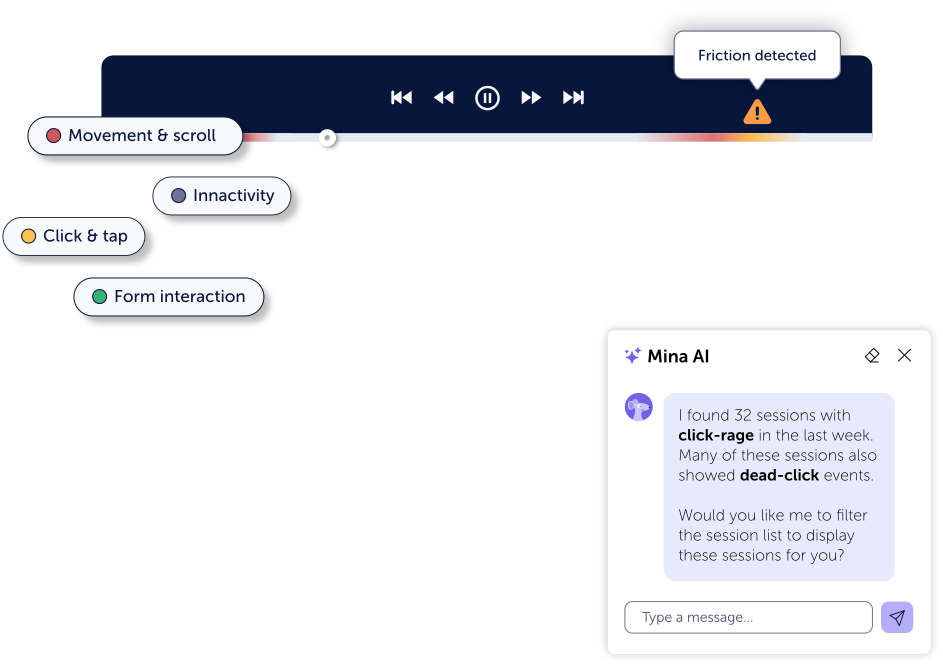

Our session replay captures clicks, scrolls, form interactions, and other user behavior across the journey, so you can see what users experienced and where they encountered friction.

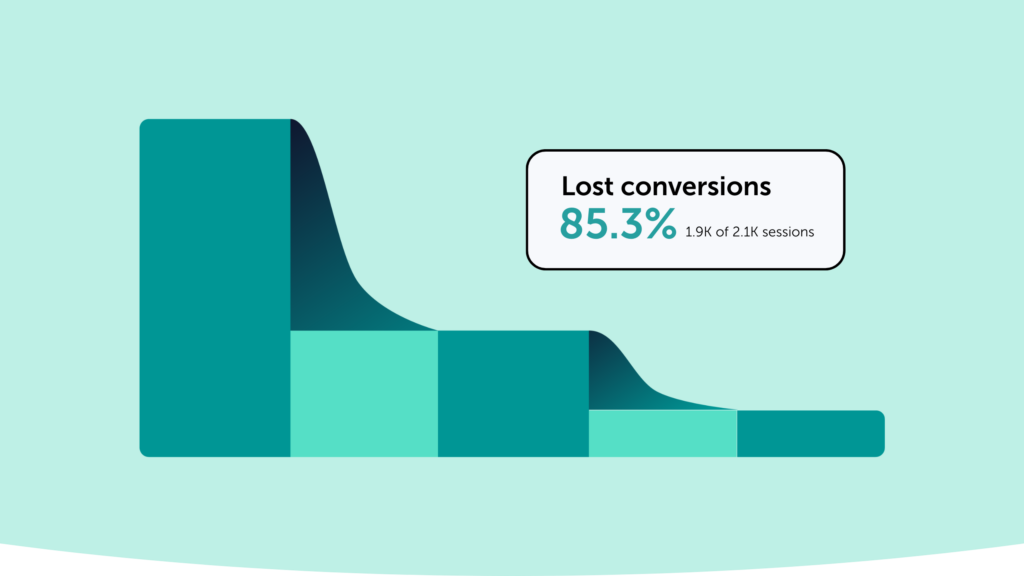
Numbers are great, but our session recording tool lets you see what users experienced before they struggled or dropped off, helping you identify what to investigate and fix first.

Control what gets captured and protect sensitive user data with built-in privacy features. Mouseflow’s session replay software is designed to support GDPR and CCPA compliance.
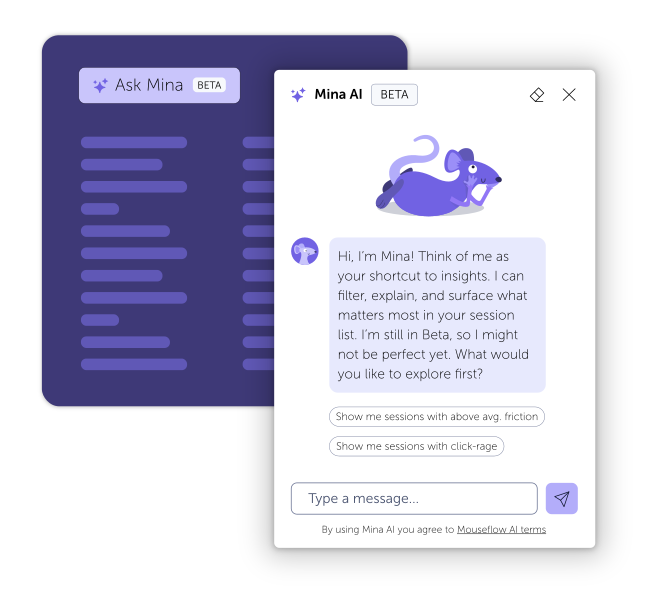
Turn session recordings into instant, actionable insights with AI that works automatically with your analytics, understands natural language questions, and surfaces user friction and behavior patterns in seconds.
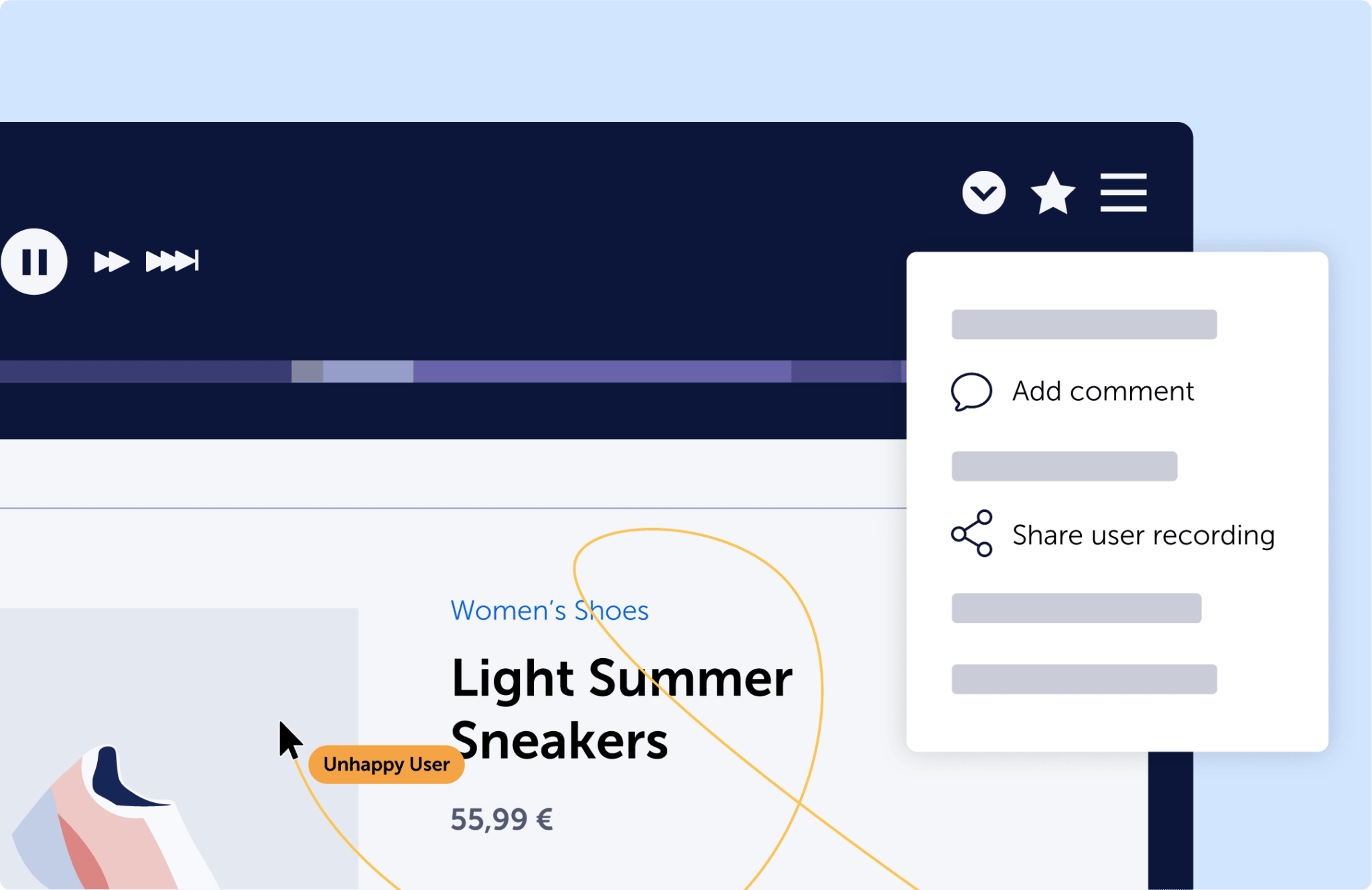
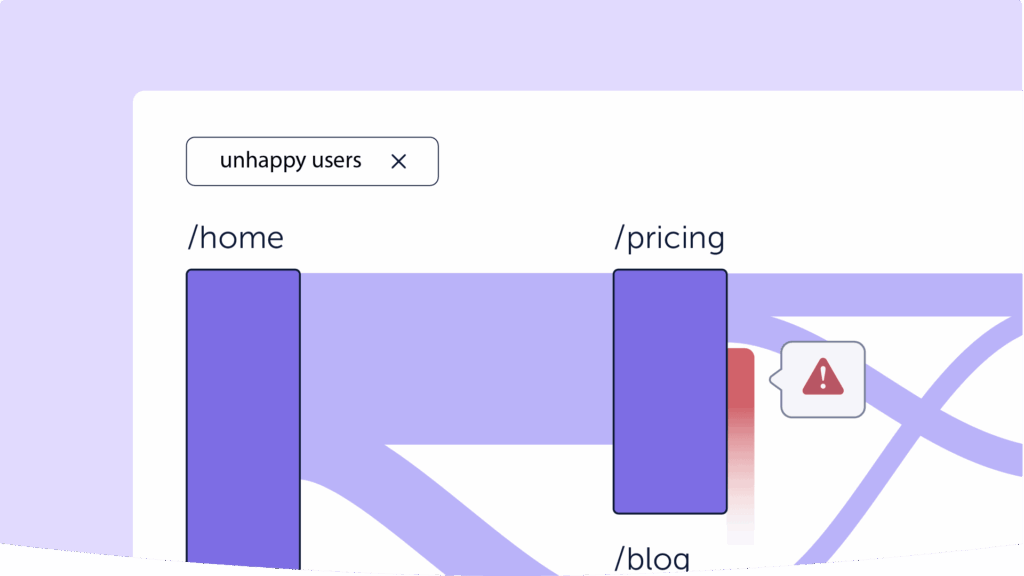
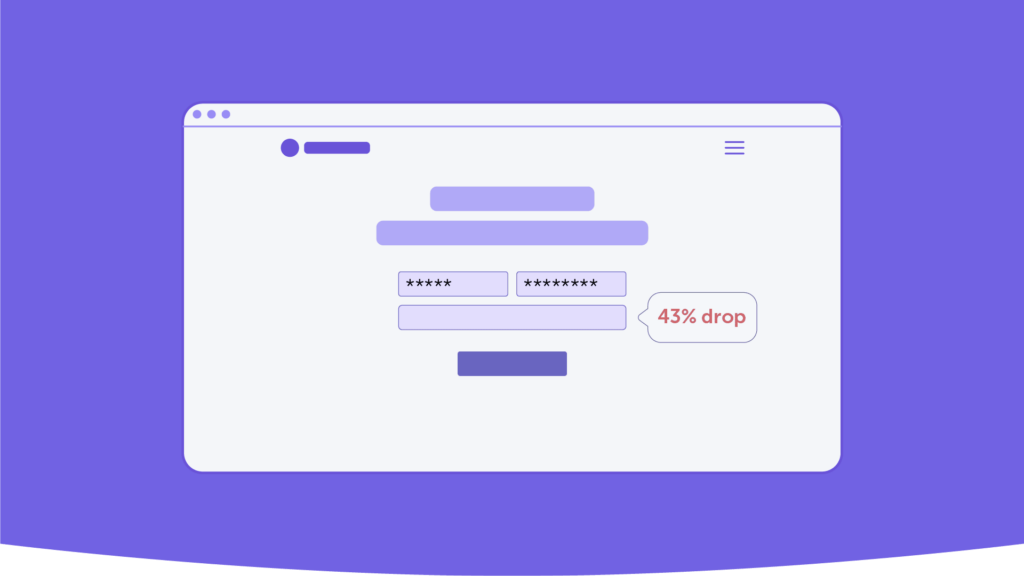
See the full user path, page by page and click by click. From checkout optimization to investigating buggy forms, Mouseflow’s session replay tool gives you the context behind user behavior. Comment on session replays and share them with your team to investigate issues and stay aligned.
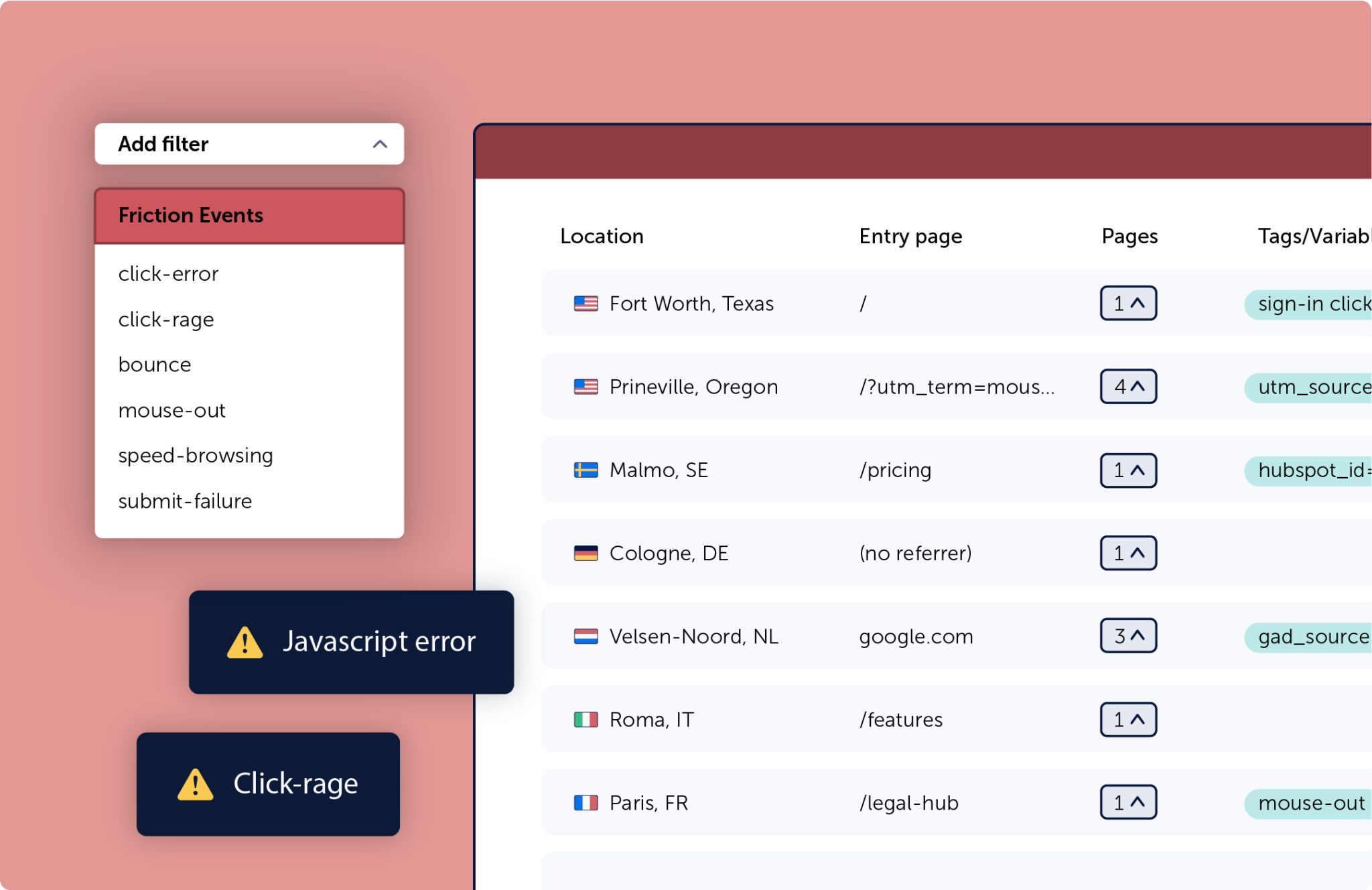
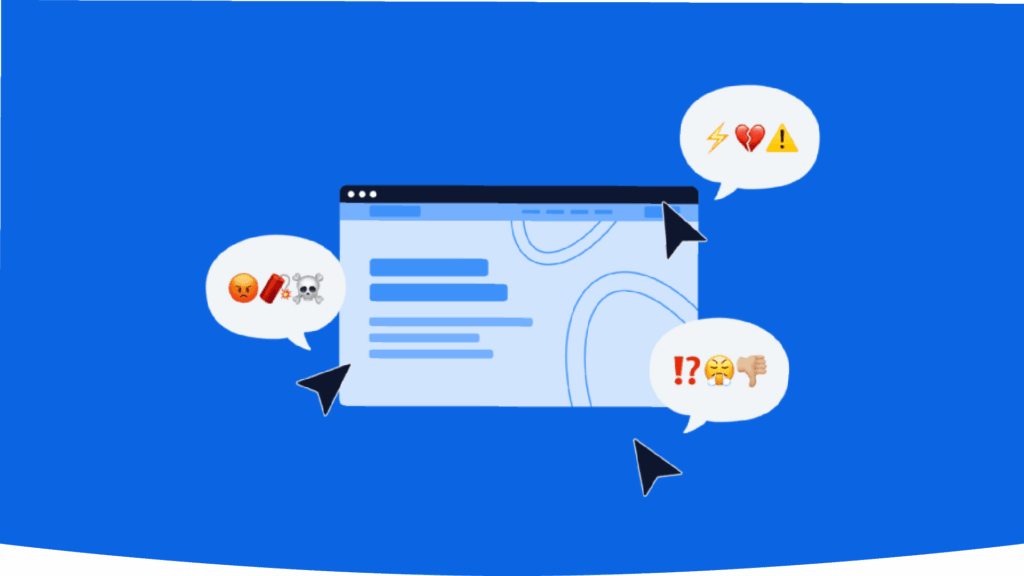
Rage clicks? Dead ends? Confused tapping? Uncover the hidden signals of user struggle and quickly pinpoint the optimizations that matter most.
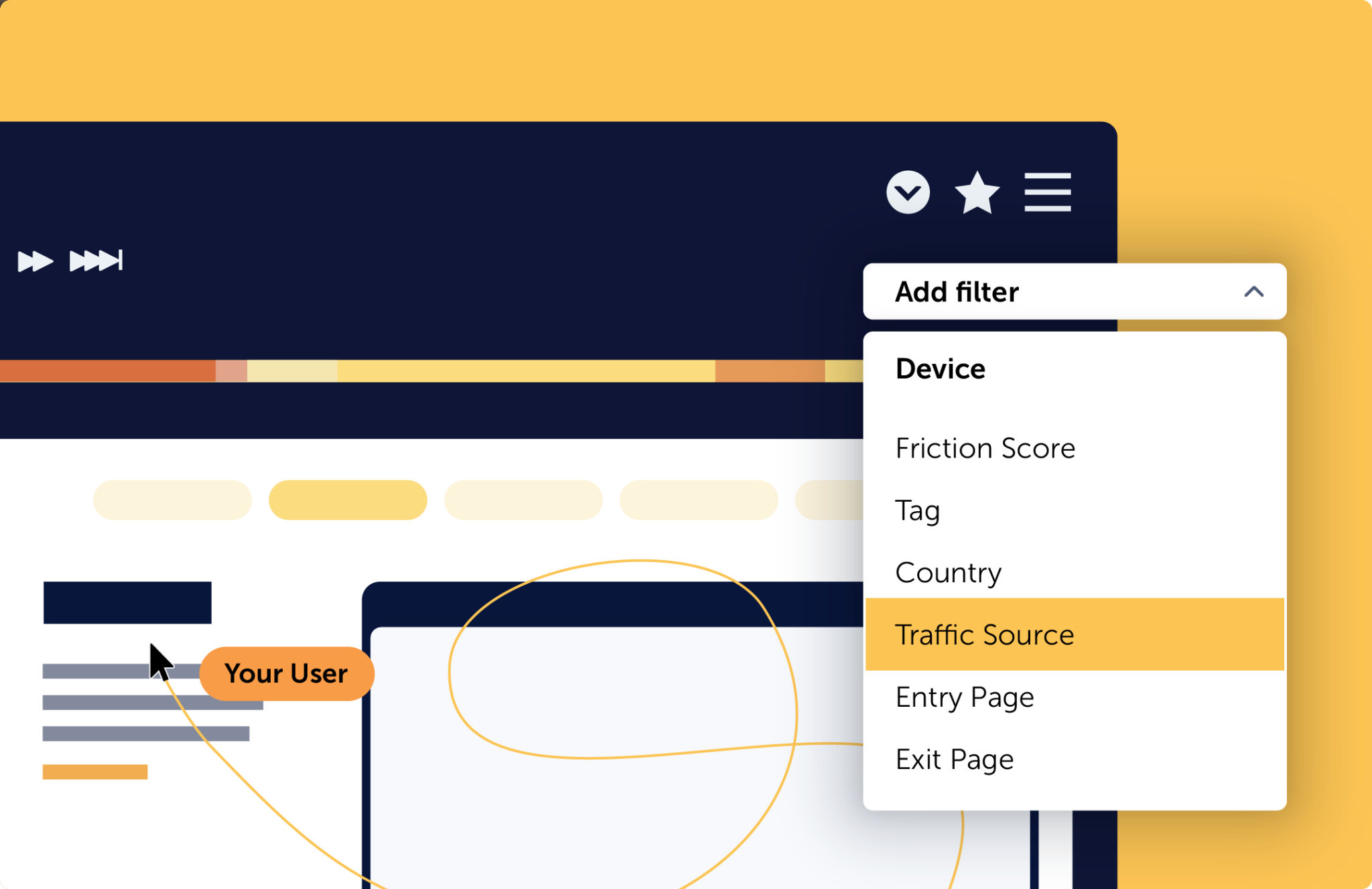
Want to analyze sessions where users abandoned checkout? Or see just new visitors coming from paid ads? Filter your session replays by page, traffic source, device, or behavior in just a few clicks.
Top-rated Behavior Analytics Platform
All-in-one tool for teams who need answers, not just data

Rated higher than Hotjar, FullStory and Microsoft Clarity

Yes. Mouseflow Session Replay works with most mobile browsers, allowing you to capture and replay how visitors interact with your website on mobile devices. Support includes mobile environments such as iOS and Android. Recordings in browsers embedded within mobile apps may depend on the app’s configuration.
Mouseflow automatically masks sensitive fields like credit card details and passwords. You can also define what should be masked manually, giving you control over what is captured in your session replays and helping you meet your privacy and compliance requirements.
Read more on our Legal Hub.
Mouseflow gives you more than individual session recordings. Our session replay software connects with your heatmaps, funnels, journey analytics, and feedback surveys giving you behavioral context across the user journey in one place.
Mouseflow is built with website performance in mind. The tracking script loads asynchronously and is optimized to minimize its impact on page speed and the user experience.
Read more about Mouseflow’s browser performance.
Absolutely. Filter by device, country, traffic source, referrer, visited page, user action (like rage clicks), and more. Use tags and custom filters to narrow down your session recordings and quickly find the sessions most relevant to your analysis.
Mouseflow integrates with A/B testing tools, CMS platforms, analytics tools, and more. Connecting Mouseflow with the rest of your tech stack lets you add session replay insights to your existing data and better understand user behavior across the customer journey.
See all our integrations here.