Getting from raw data to real insight shouldn't be a bottleneck

Get instant answers and build reusable AI workflows.

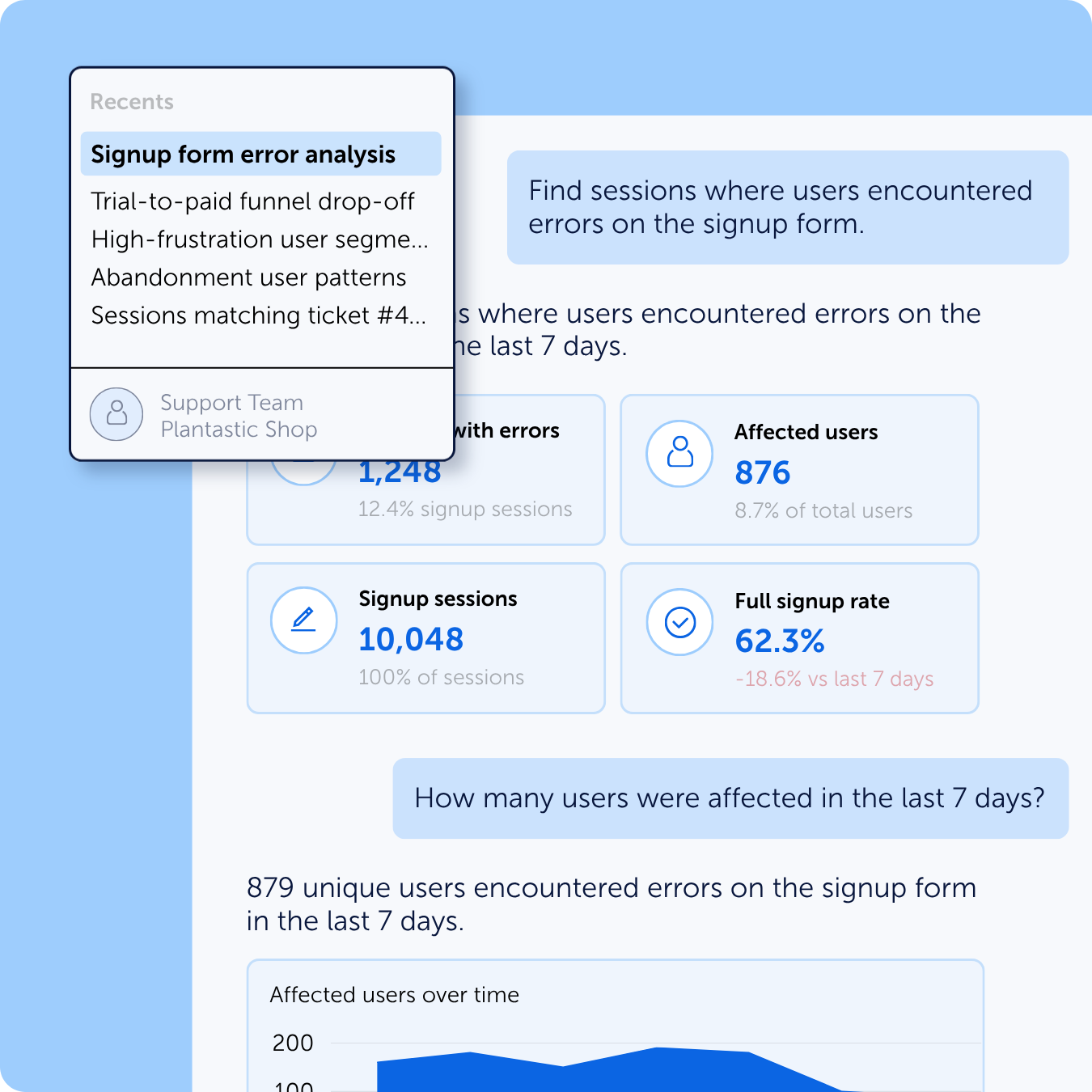
Follow-up questions in the same chat.

Works for technical and non-technical users alike.

Compatible with MCP clients or AI assistant desktop apps.
Get more from your Mouseflow data with MCP

Skip the manual analysis – just ask questions
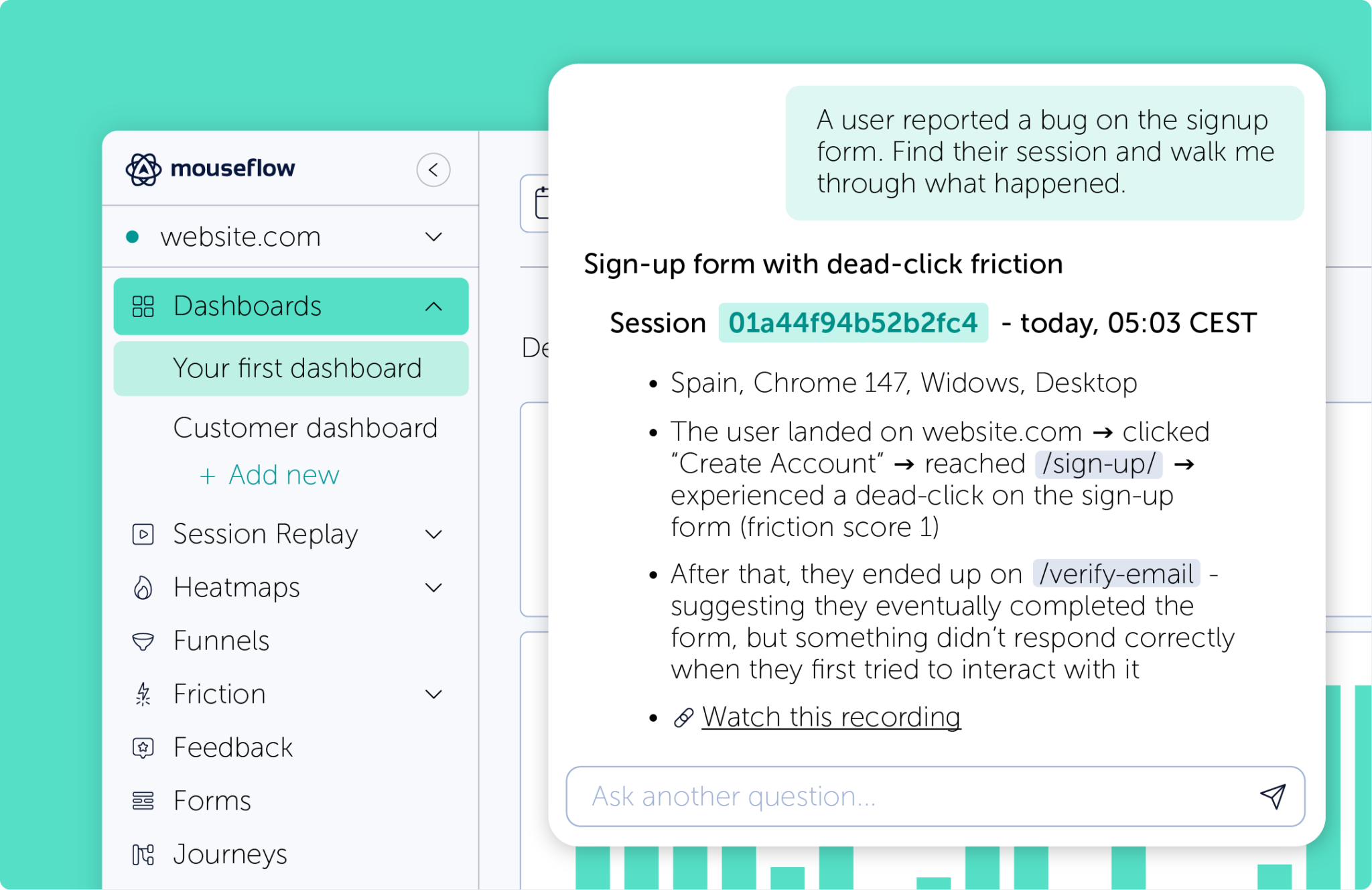
The Mouseflow MCP Server exposes our REST API through a natural-language interface. It works directly inside your AI assistant or MCP client.
All you need to do is ask your question in plain language about sessions, heatmaps, funnels, feedback.
Data for everyone, not just the experts
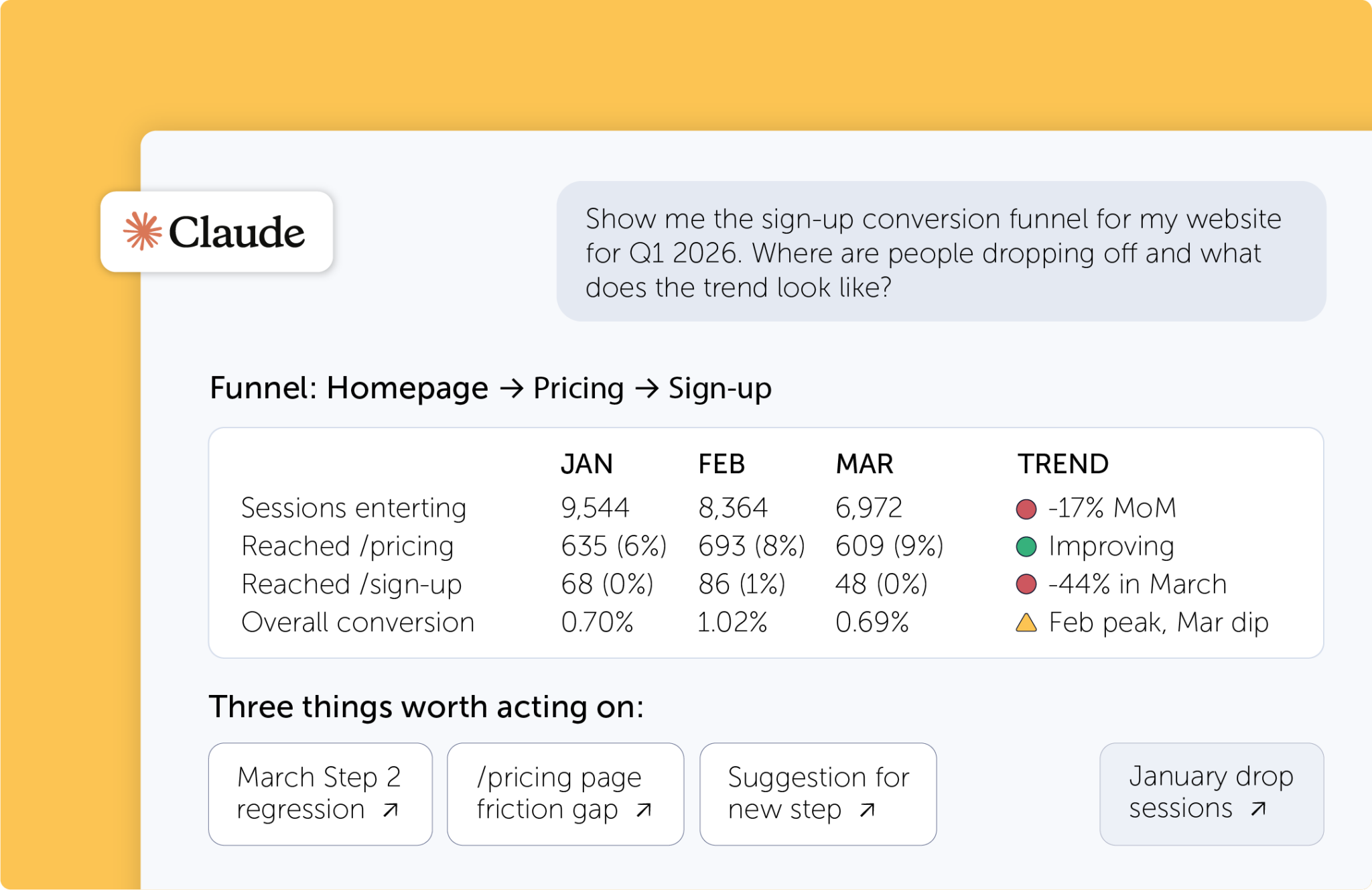
Once installed, anyone on your team can pull insights. Marketing, product, CX – as long as they have access to an AI assistant, they can get answers in seconds and dig deeper with follow-ups in the same chat.
No context-switching, no documentation hunting.
See how fast the answer comes back

Different teams need different insights. Now they can all get them in seconds.
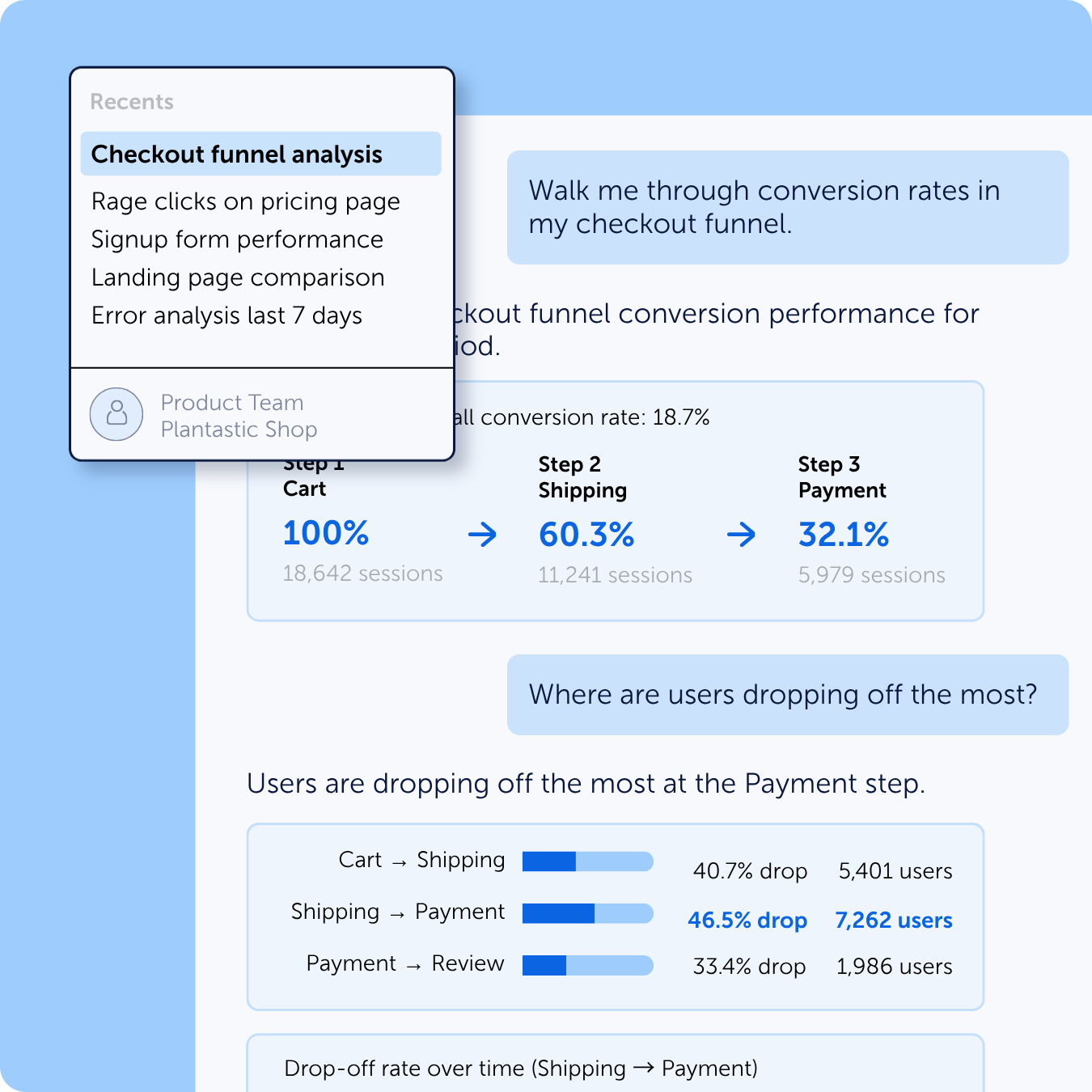
Product managers and researchers rely on behavioral data to validate decisions, but translating raw session and heatmap data into actionable direction is slow. The MCP server lets product teams ask natural questions and get structured answers they can take straight into sprint planning.
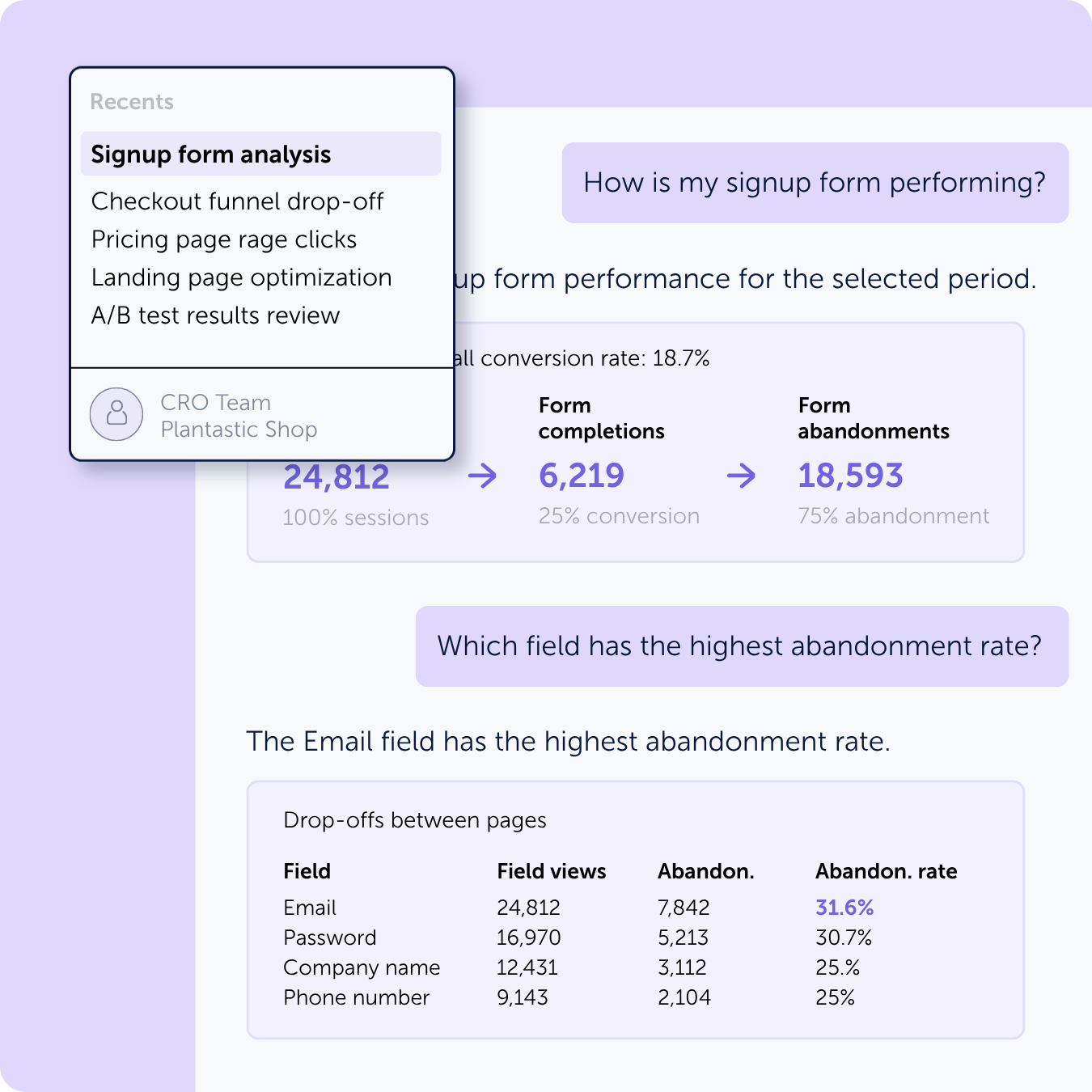
Pulling heatmap trends, session recordings, and friction reports often requires jumping between tools. The MCP server enables CRO teams to query drop-off points, rage-click hotspots, and form abandonment data – and immediately prioritize the highest-impact experiments.
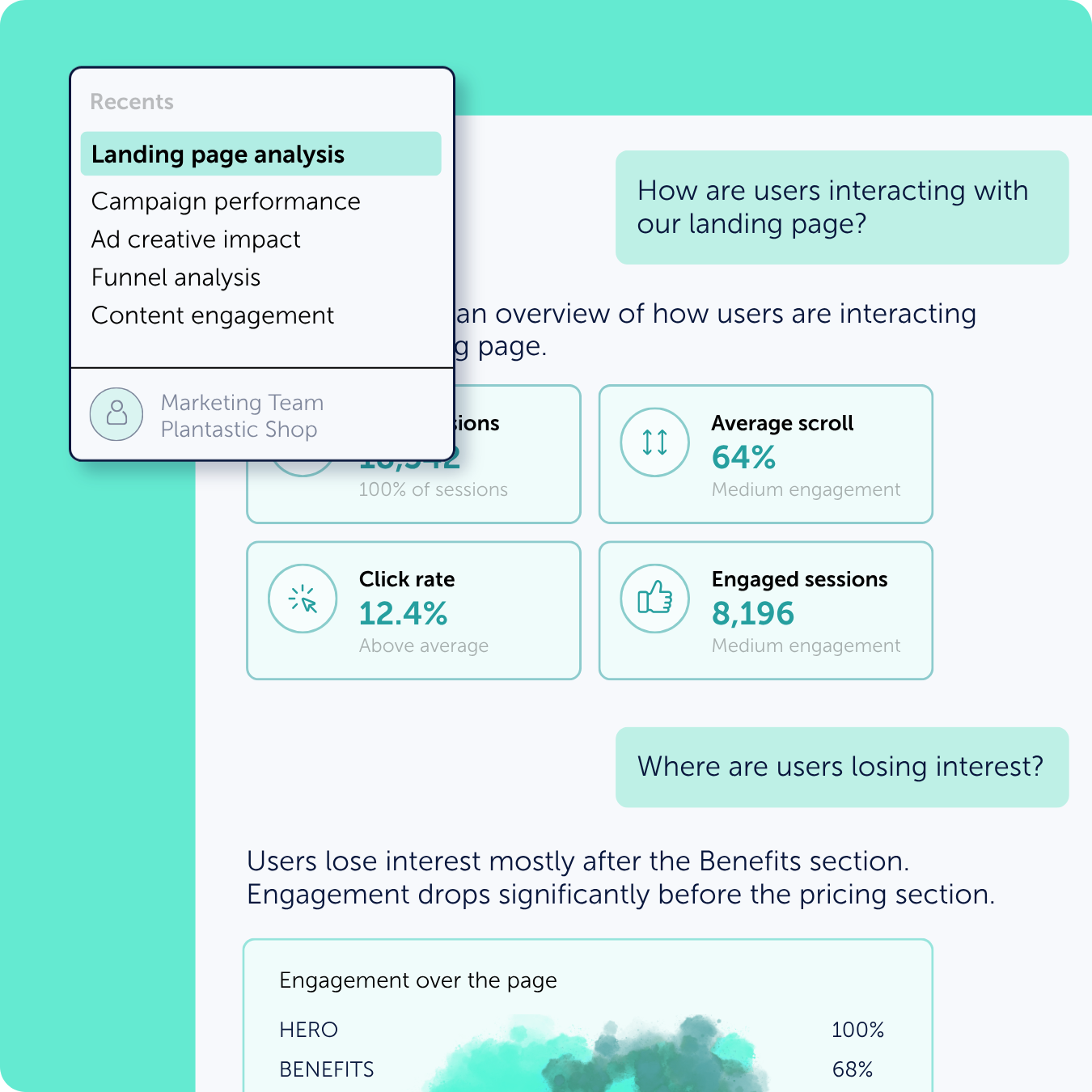
The Mouseflow MCP server lets marketers query scroll depth, CTA engagement, and landing page abandonment rates by segment – helping them understand whether their messaging and page structure are converting the audiences they paid to acquire.
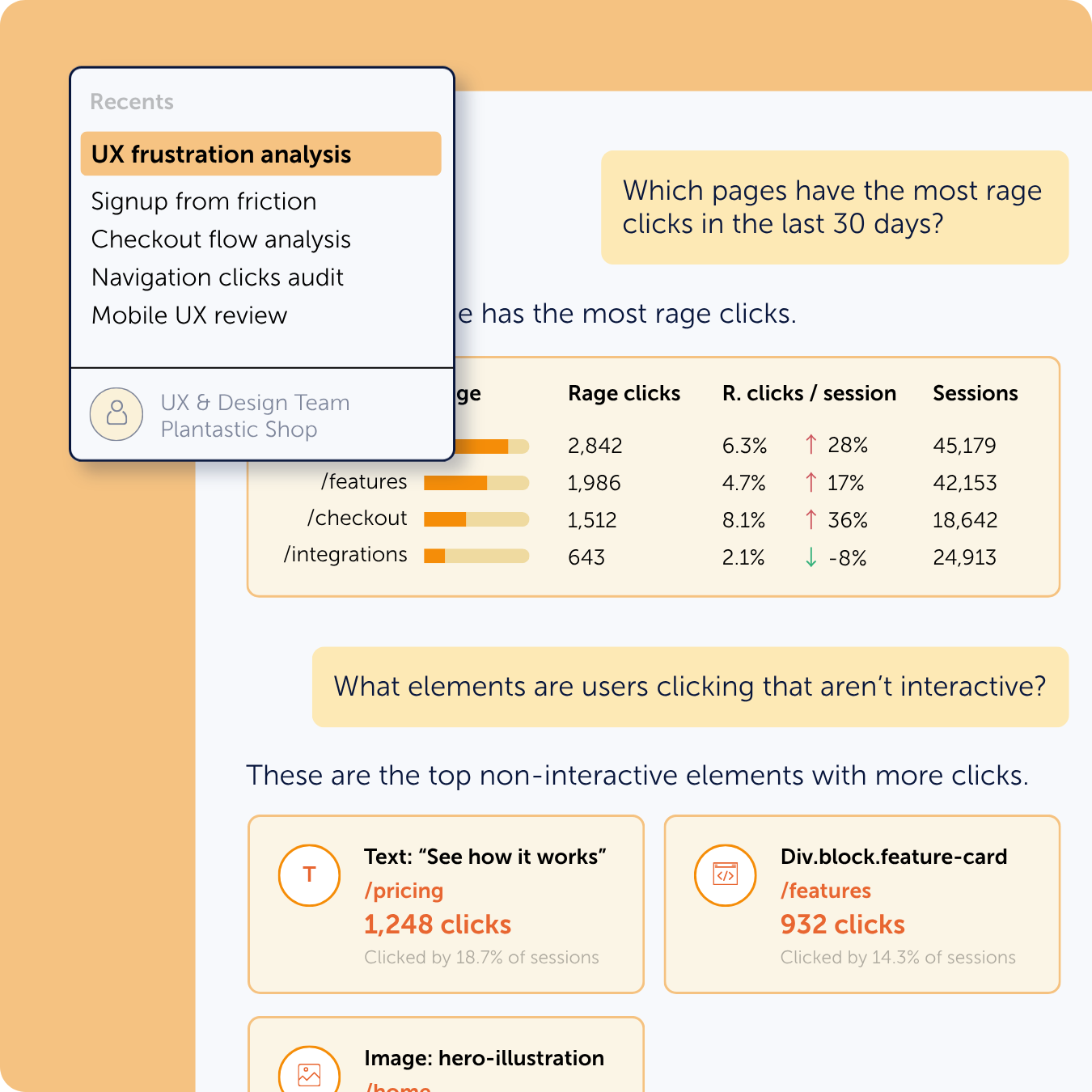
UX teams can pull rage clicks, confusion patterns, and navigation dead-ends into the same conversation where they’re iterating on designs — making the case for UI changes faster and with direct evidence rather than loose feedback.
The Mouseflow MCP server lets support teams look up session recordings, identify recurring friction points, and understand exactly what a user experienced before they reached out – enabling faster resolutions and better escalation to product or engineering when necessary.