Mouseflow MCP Server

You don't need to be a data person to get answers

Query sessions, heatmaps, funnels, feedback and more – directly from your AI assistant or preferred MCP client.

Getting from raw data to real insight shouldn't be a bottleneck

Real time guidance built into Mouseflow

Get instant answers and build reusable AI workflows.

bulb icon

Follow-up questions in the same chat.

Works for technical and non-technical users alike.

AI detects patterns, friction, and user segments automatically

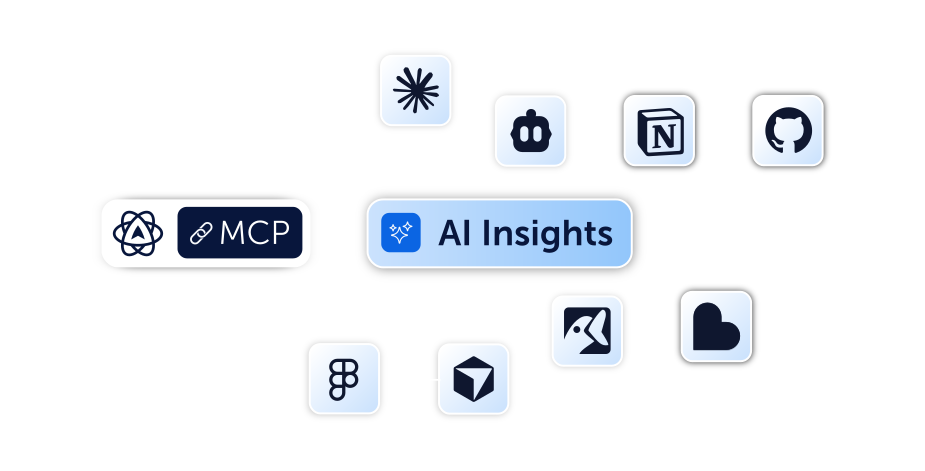
Compatible with MCP clients or AI assistant desktop apps.
Get more from your Mouseflow data with MCP

Learn how to turn your behavioral data into clear insights, recommendations, and how to use your data to make better decisions without the manual work.
Chat with your Mouseflow data

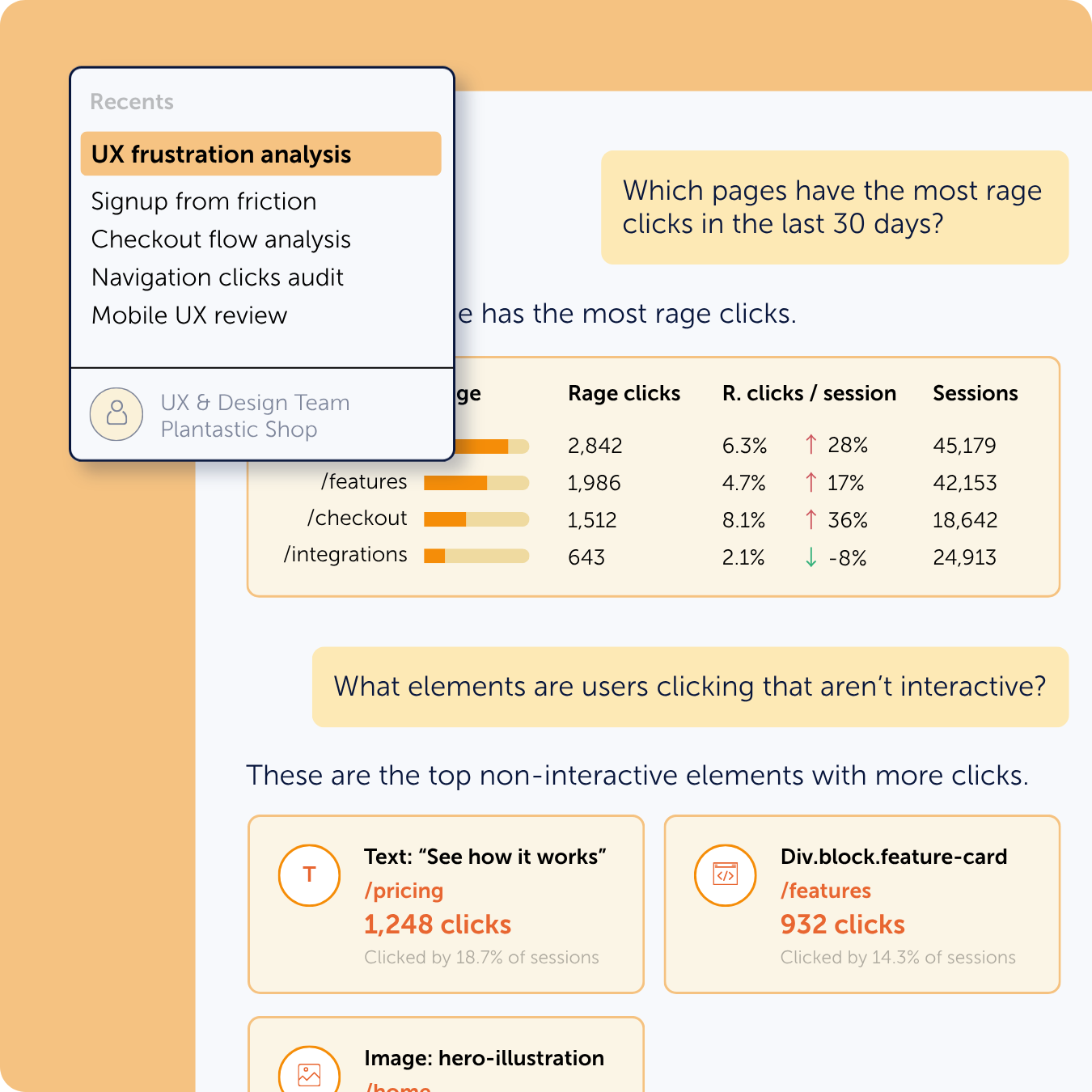
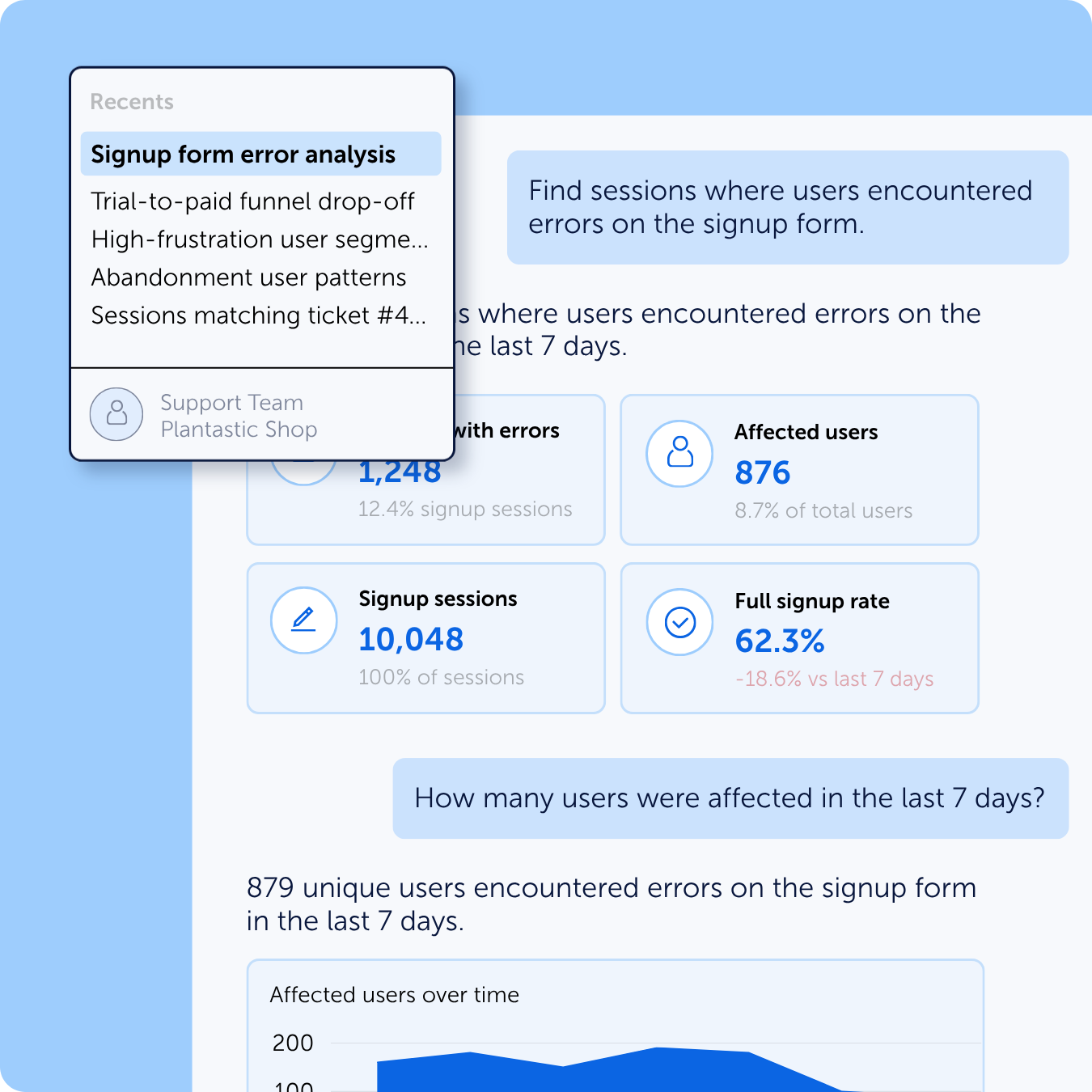
Skip the manual analysis – just ask questions

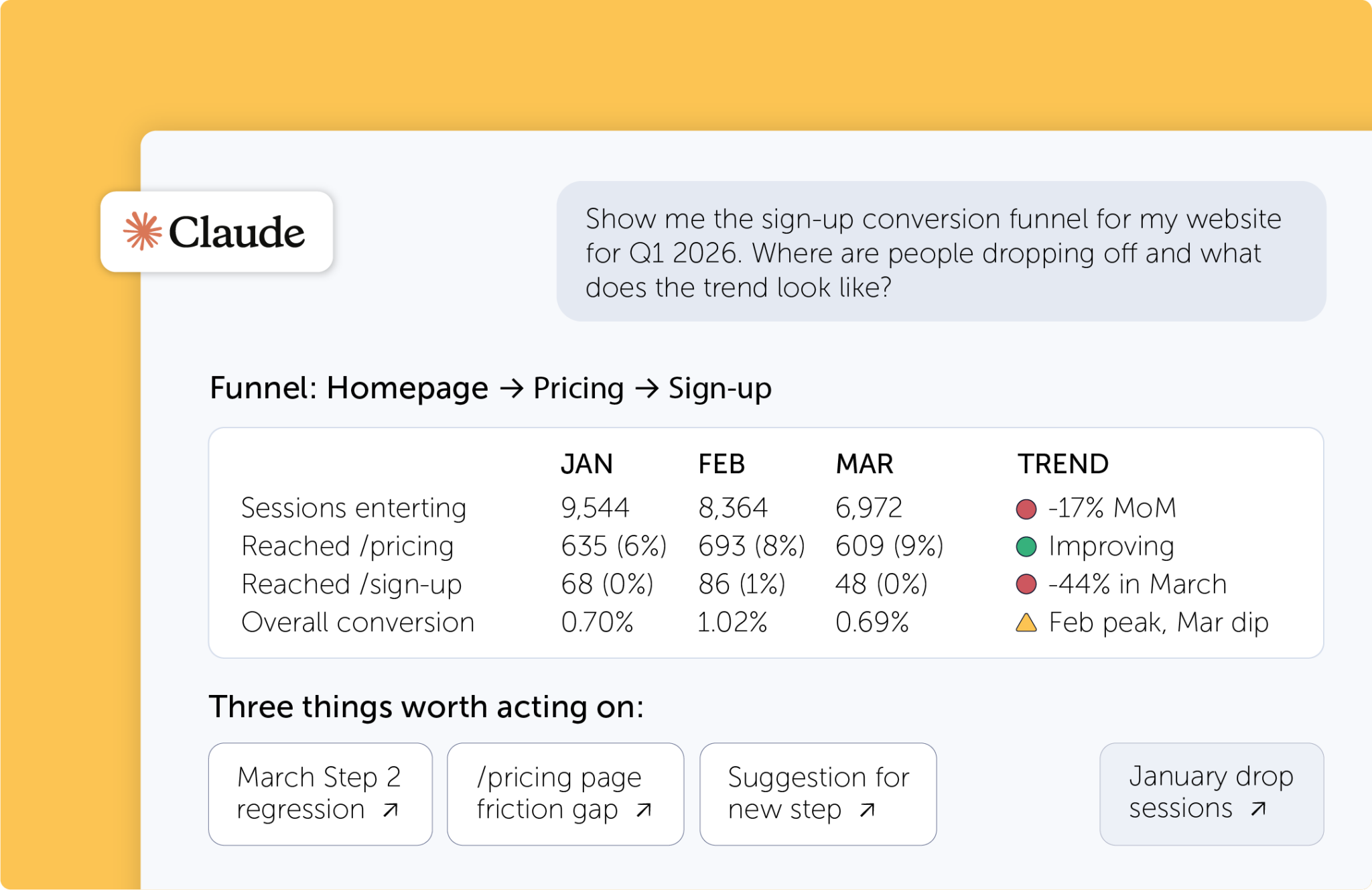
The Mouseflow MCP Server exposes our REST API through a natural-language interface. Type your question in plain language, and get structured data back.

It works directly inside your AI assistant or MCP client. Sessions, heatmaps, funnels, feedback – all insights can be shared in the same chat.

Read more about Skip the manual analysis – just ask questions
Zero technical barrier

Data for everyone – not just the experts

Once installed, anyone on your team can pull insights without being technical. Marketing, product, CX – anyone with access to an AI assistant can get answers in seconds and dig deeper with follow-ups in the same chat. No context-switching, no documentation hunting.

Try Mouseflow freeData for everyone – not just the experts

Different teams need different insights. Now they can all get them in seconds.


Product

Product managers and researchers rely on behavioral data to validate decisions, but translating raw session and heatmap data into actionable direction is slow. The MCP server lets product teams ask natural questions and get structured answers they can take straight into sprint planning.

Validate feature adoption without relying on engineering or analytics teams for engagement data
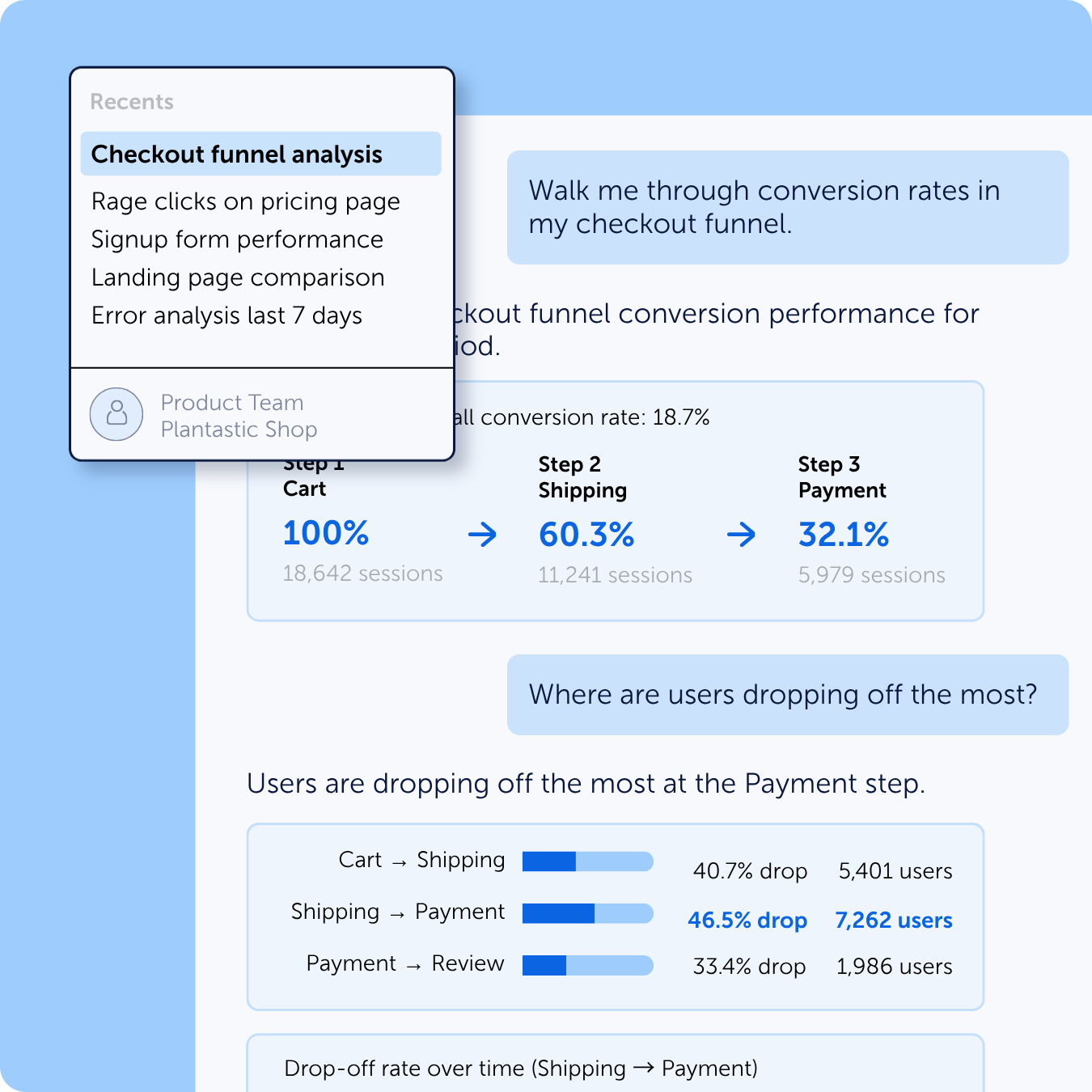
Identify drop-off moments and dead zones using real behavioral signals
Accelerate discovery sprints with behavioral context during research and planning sessions
Build product roadmaps grounded in evidence and ready to present to leadership
CRO

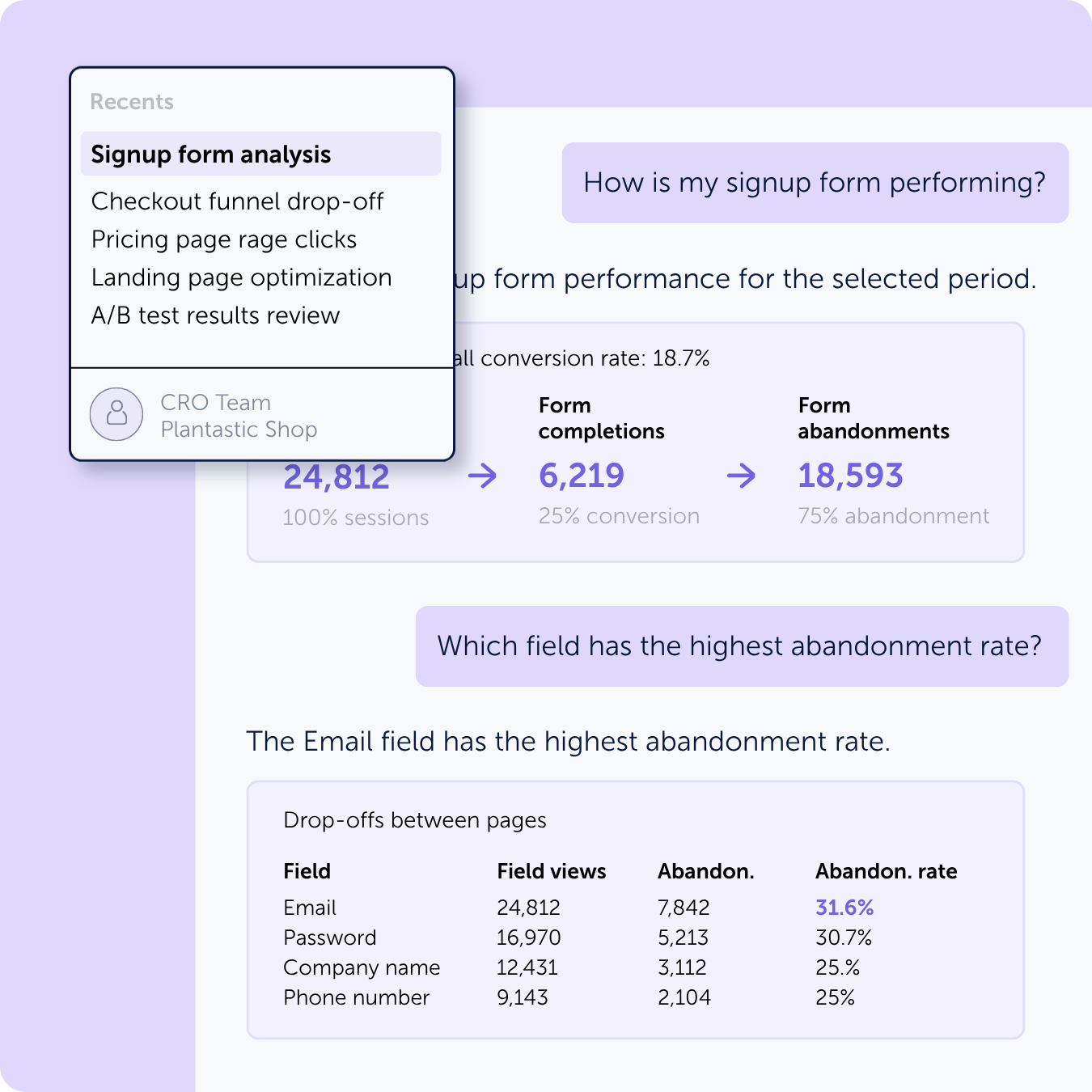
Pulling heatmap trends, session recordings, and friction reports often requires jumping between tools. The MCP server enables CRO teams to query drop-off points, rage-click hotspots, and form abandonment data – and immediately prioritize the highest-impact experiments.

Instantly surface pages and elements causing the most friction
Cross-reference heatmap data with funnel metrics in a single query
Share insight summaries for stakeholders without writing a single SQL query or exporting a spreadsheet
Marketing

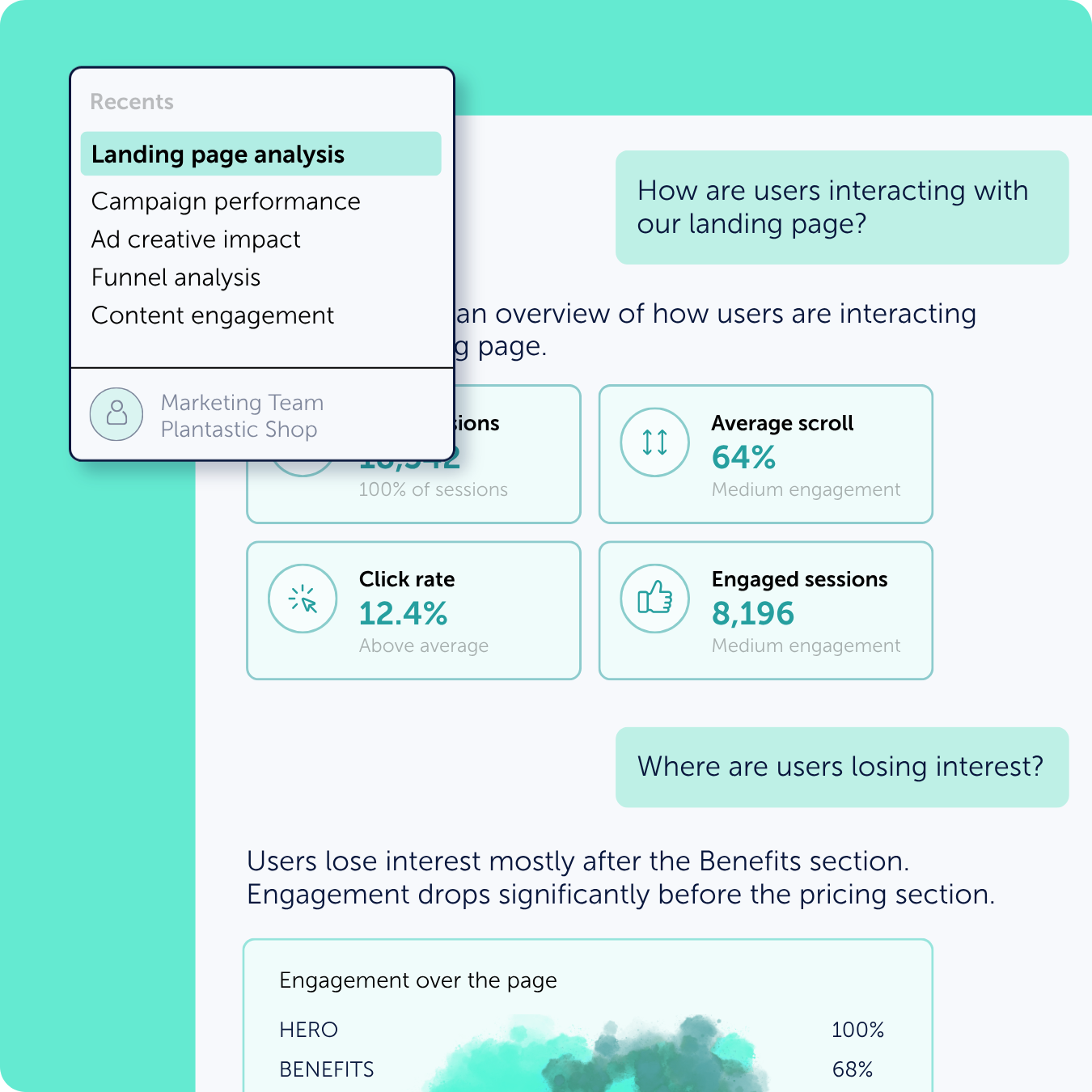
The Mouseflow MCP server lets marketers query scroll depth, CTA engagement, and landing page abandonment rates by segment – helping them understand whether their messaging and page structure are converting the audiences they paid to acquire.

Understand how far users scroll and where they disengage, then refine copy placement and structure
Identify which CTAs attract clicks versus which are overlooked, guiding design and messaging iteration
Connect campaign traffic quality to on-site behavior, enabling smarter budget allocation across channels
Build compelling data-driven campaign reports quickly, without needing analyst support
UX Design

UX teams can pull rage clicks, confusion patterns, and navigation dead-ends into the same conversation where they’re iterating on designs — making the case for UI changes faster and with direct evidence rather than loose feedback.

Query interaction heatmaps and session data to pinpoint specific UI elements causing user confusion or frustration
Support design critiques and proposals with quantified behavioral evidence
Reduce the feedback loop between usability testing and design iteration
Track whether design changes resolve the interaction problems they were meant to fix
Support

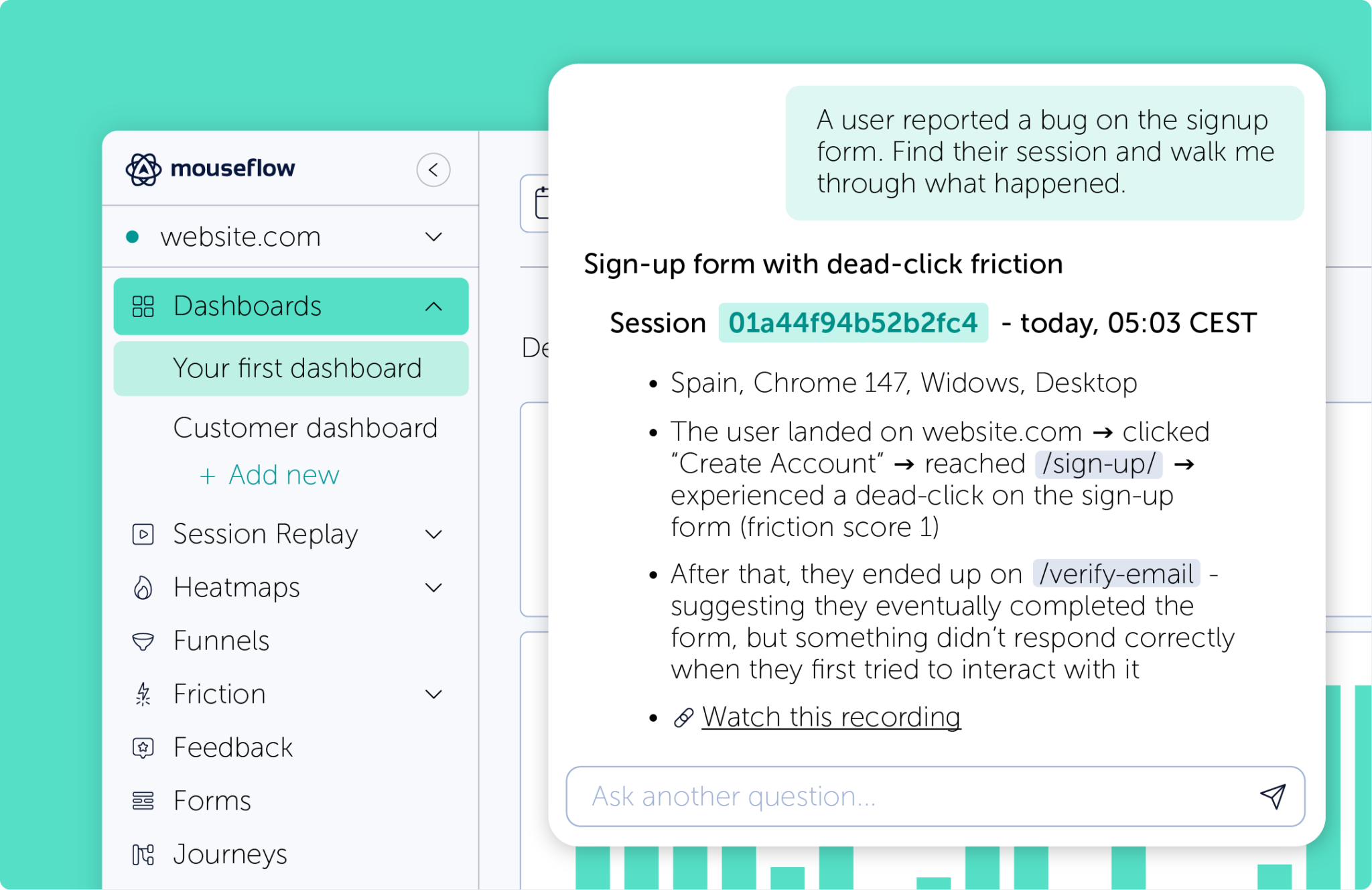
The Mouseflow MCP server lets support teams look up session recordings, identify recurring friction points, and understand exactly what a user experienced before they reached out – enabling faster resolutions and better escalation to product or engineering when necessary.

Get relevant session recordings to see exactly what a customer encountered before contacting support
Spot patterns in recurring friction points before the issues generate a high volume of tickets
Reduce back-and-forth with engineering teams using behavioral evidence when escalating bugs
Reduce average handle time by arriving at each conversation with behavioral context already in hand

Everything in Mouseflow, available in a conversation

All your data – queryable. Set up the Mouseflow MCP Server in minutes and start getting answers straight from your AI assistant.

FAQ

The Mouseflow MCP Server connects AI assistants like Claude Desktop and other MCP-compatible clients directly to your Mouseflow analytics data. It allows users to query recordings, heatmaps, funnels, forms, feedback, friction insights, dashboards, and aggregated metrics using natural language prompts.

MCP (Model Context Protocol) is an open standard that allows AI models (like Claude or ChatGPT) to securely connect to external data sources and tools. Think of it as a “USB-C for AI” – it provides a universal language so AI systems can query databases, read local files, and interact with other apps without needing custom integrations.

You can analyze session recordings, heatmaps, funnels, user feedback, form performance, friction events, and dashboard metrics. The server also supports querying aggregated behavioral insights across websites and projects, helping AI assistants provide deeper UX and conversion analysis.

The Mouseflow MCP Server works with MCP-compatible AI clients, including Claude Desktop and other AI assistant desktop apps that support the Model Context Protocol (MCP).

Yes. The Mouseflow MCP Server supports custom skills and workflows that extend your AI assistant’s capabilities. Teams can build reusable prompts and analysis flows tailored to specific UX, CRO, or customer research tasks.

The Mouseflow MCP Server is available on Growth and Premium plans (and above).

A valid Mouseflow API key is required to connect the MCP Server to your account.

If you’re on a lower-tier plan, upgrade now to install the MCP Server.

Note: The Growth plan is no longer available for new subscriptions or upgrades.