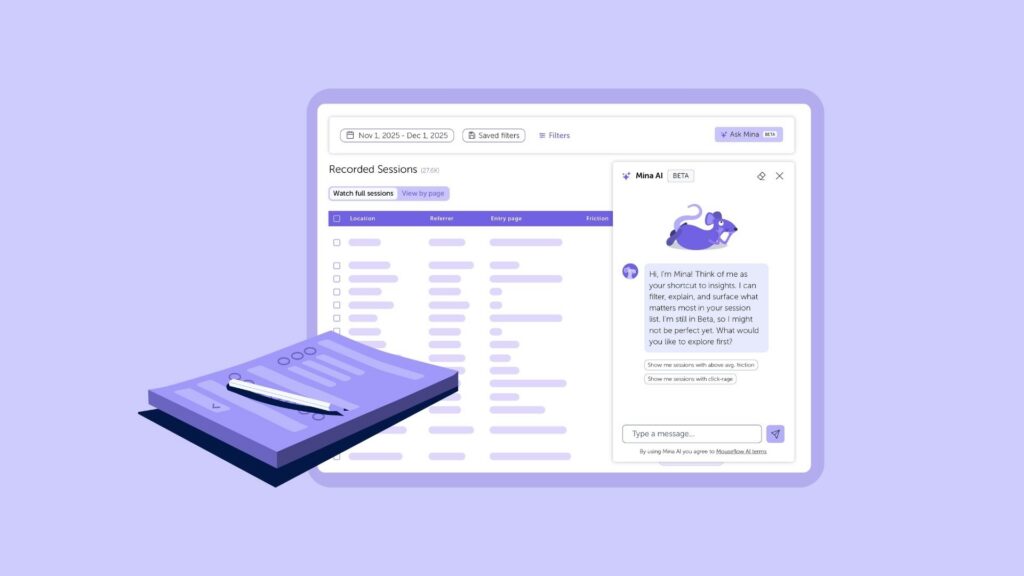
Mina AI is the AI assistant built into Mouseflow. Instead of figuring out which reports to open, which filters to combine, or which sessions to watch before you start an investigation, you can ask a question in plain language and let Mina AI find the relevant data, identify patterns, and suggest what to investigate next.
Your first question does not need to be perfect. You can start broad, follow what Mina AI finds, and make your questions more specific as you go.

Mina AI Prompts by Feature
The prompts below are organized by Mouseflow feature so you can go directly to the area you are working in. Mouseflow includes Dashboards, Friction Insight, Session Replay, and broader site analysis and Mina AI can work across all of them.
Each section includes prompts you can use as they are or adapt to your specific site and context, along with a note on how to take the investigation further once Mina AI has given you a starting point. If you are not sure which feature to start with, the Site-Wide Analysis section at the end is a good place to begin.
Dashboards
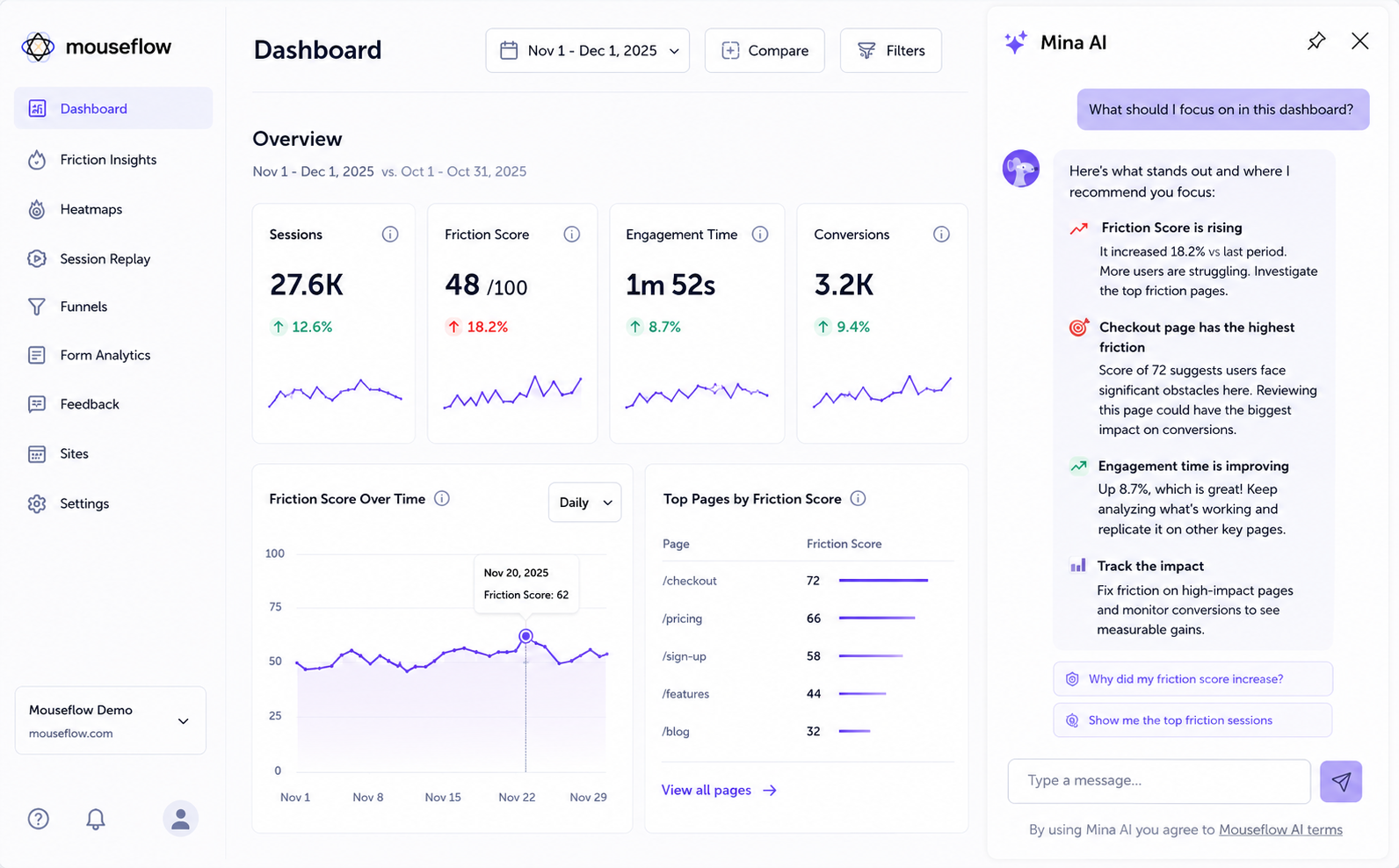
A dashboard can tell you a lot at once, which can also make it difficult to know where to focus first. A metric may have changed, one audience might be behaving differently, or you may simply want to know whether anything deserves a closer look. Mina AI understands the context of the dashboard you are viewing, including its widgets and available data, and can also retrieve data from other timeframes and Mouseflow features to add context to the analysis.
- Prompts ideas:
→ Help me interpret this dashboard.
→ What should I focus on in this dashboard?
→ How can I improve my overall engagement time based on your latest analysis?
→ Which device type or country has the highest drop-off rate, and where are those users exiting?
→ Users are spending a long time on this page but the exit rate is high. What should I investigate?
→ Compare this week’s performance with the previous period and highlight the biggest changes.
A broad question can be enough to get started. If Mina AI points to an unexpected change or a particular segment, use that finding to make your next question more specific.
Friction Insight
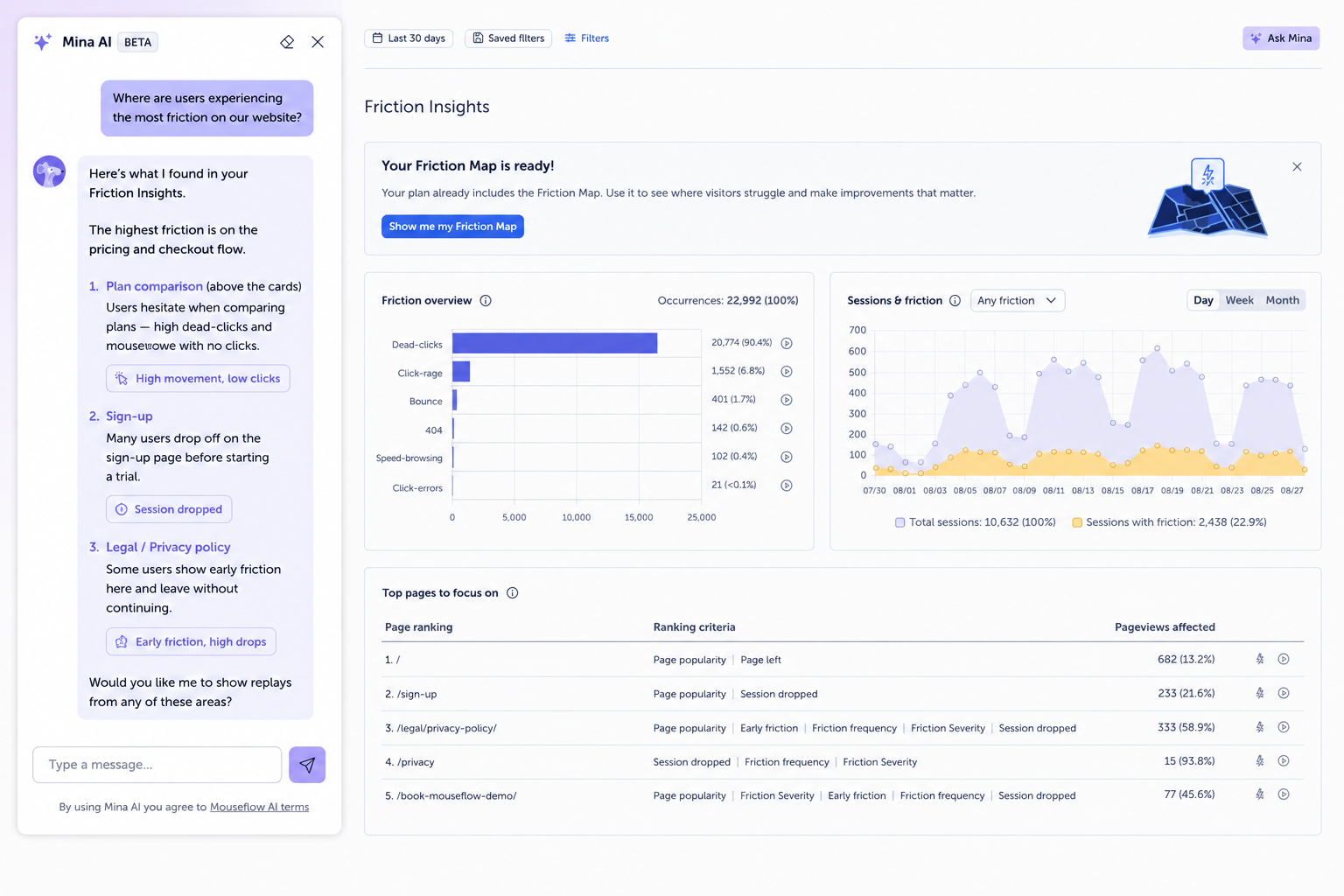
A rising Friction Score tells you something deserves attention, but the next question is usually where that friction is coming from. It might be concentrated on a particular page, device, or element, or it could be part of a broader trend. Mina can analyze Friction Insight, identify patterns, and help narrow down the areas worth investigating.
- Prompts ideas:
→ Which pages have the highest Friction Score this month?
→ What may be the reason for my Friction Score increase compared with the previous period?
→ What should I investigate about the rage clicks on my checkout page?
→ Are there any new friction trends compared with last month?
→ Which elements on my site are generating the most dead clicks?
→ Where should I focus first to reduce user frustration on mobile?
→ Is friction concentrated on specific pages or spread across the site?
Once Mina AI has helped narrow the problem down, you can continue investigating the page, audience, or behavior that stands out rather than searching through everything manually.
Session Replay
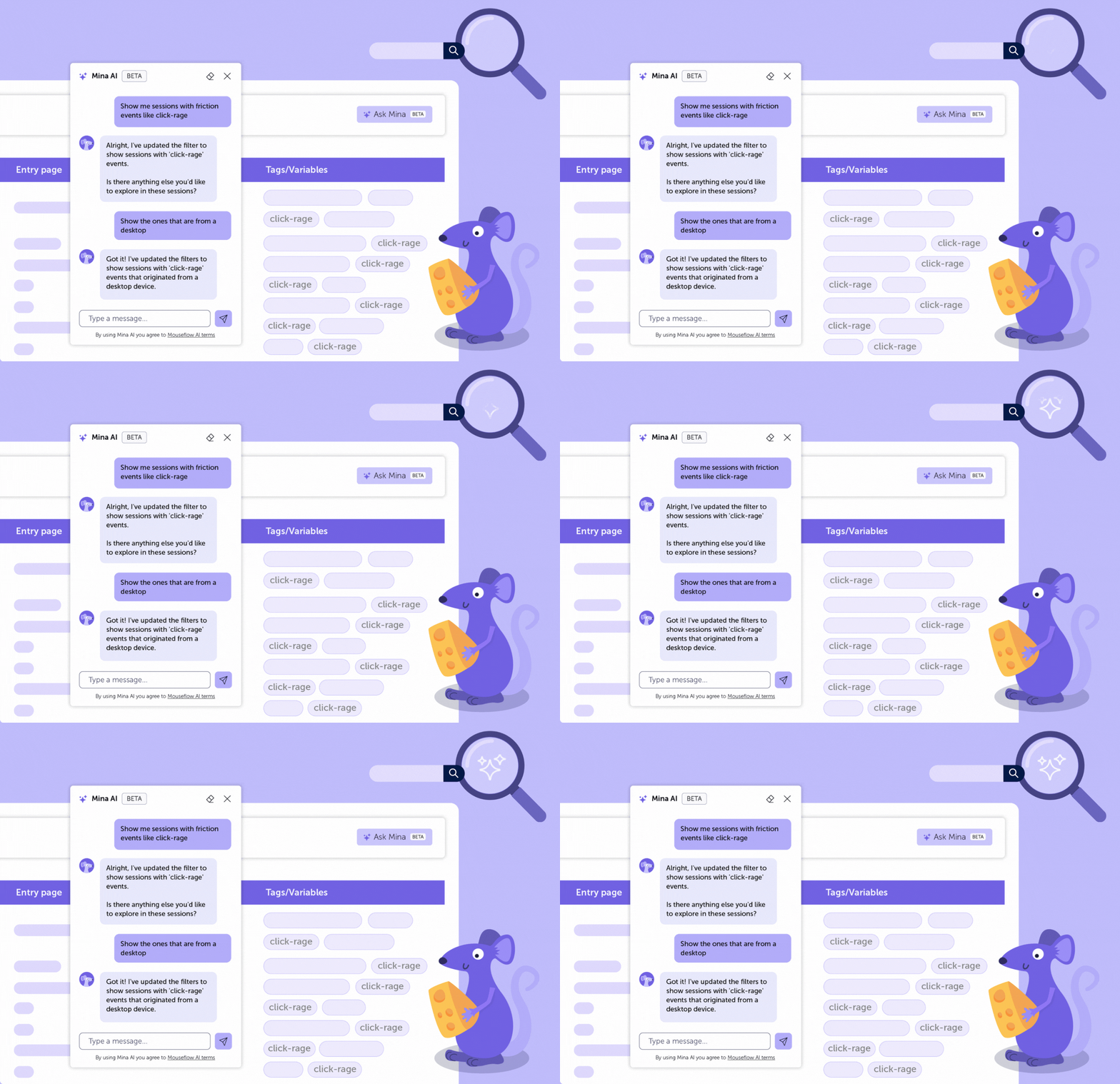
Sometimes you already know what kind of behavior you are looking for. The challenge is finding the sessions that contain it. Instead of translating that question into a combination of filters first, you can describe the audience or behavior you are interested in directly.
- Prompts ideas:
→ Show me sessions where users showed signs of frustration on the checkout page.
→ Find sessions where users visited the pricing page but did not convert.
→ Find mobile users who experienced errors during checkout.
→ Show me sessions where users navigated back and forth between two pages multiple times.
→ Which sessions show the highest engagement on my product pages?
This is useful when you are investigating a specific question and do not want to spend time trying different filter combinations before getting to the sessions that matter.
Site-Wide Analysis
You do not always need to start with a specific page or report. Sometimes the question is broader: what is happening across the site, which areas deserve attention, or what has changed recently? Mina AI can work across your Mouseflow data to help you get that initial direction before narrowing the investigation further.
- Prompts ideas:
→ Which pages on my site have the highest exit rate?
→ How does scroll depth compare between my top landing pages?
→ Compare the behavior of new visitors and returning users.
→ Where are users dropping off in my conversion Funnel?
→ Which traffic sources are driving the most engaged users?
→ I do not know where to start. What are the top issues on my site right now?
→ What changed on my site this week compared with last week?
A site-wide question is particularly useful when you do not yet have a hypothesis.
If Mina identifies a page, segment, or behavior that stands out, that becomes your next place to look.
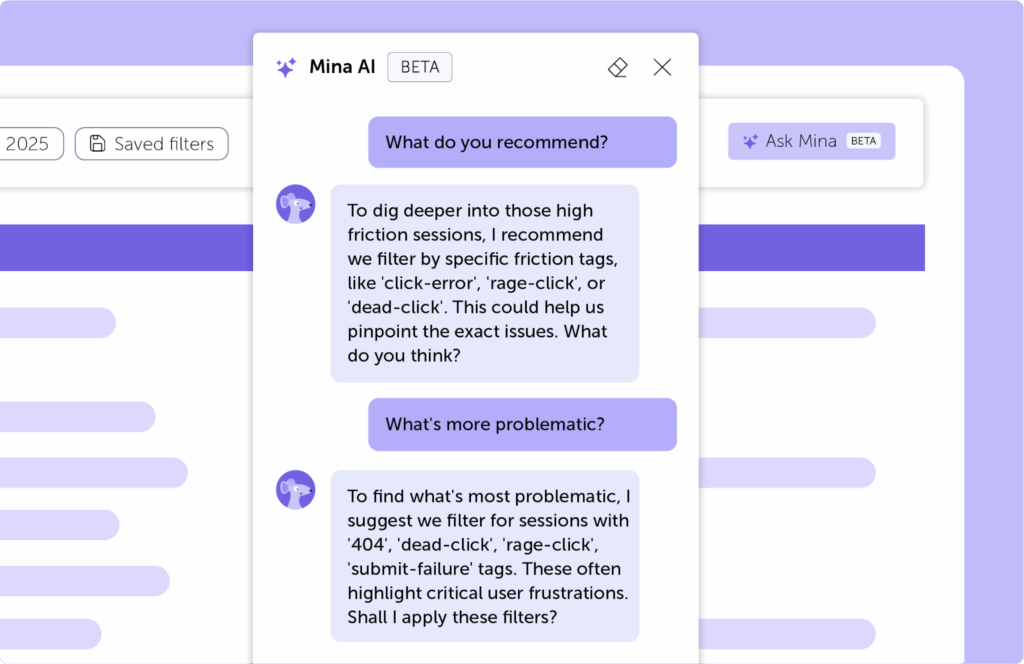
How to Get More From Your Mina AI Prompts
You do not need to learn a special formula to use Mina AI. But a little context can make it easier to get to the information you are looking for.
Give Mina AI some context
The more Mina AI knows about what you are investigating, the more focused your question can be.
- Instead of: What’s wrong with my site?
- You could ask: Where are mobile users experiencing the most friction during checkout?
That small amount of context already tells Mina AI which audience and part of the experience you are interested in.
Keep the conversation going
Your first prompt does not need to contain every part of your question. Start with what you have and let each answer inform the next.
- Start with: What should I focus on in this dashboard?
- Then follow with: Which pages are contributing most to that increase?
- And narrow further: Is the same pattern happening on mobile and desktop?
Each answer gives you the context for your next question. This is often more useful than trying to write one long, perfectly constructed prompt from the beginning.
Be clear about what you want to compare
If you are trying to understand a change, tell Mina AI which comparison matters.
- Examples:
How does this week compare with last week?
How does behavior on this page differ between mobile and desktop?
Are returning visitors experiencing more friction than new visitors?
Ask where to focus
You do not always need to know what you are looking for before you start. Questions like these can turn a large amount of behavioral data into a more manageable starting point.
- Examples
What should I focus on in this dashboard?
Where should I focus first to reduce friction?
I do not know where to start. What should I investigate?
The examples in this article are starting points, not formulas. A broad question might lead Mina AI to an unexpected friction pattern. From there, you might narrow your investigation to a particular page, audience, or set of sessions.
Start with the question you have. Then let what you find shape the next one.