
To turn user feedback into ecommerce revenue, you need to collect it at the right moments, understand what it’s telling you, and act on it before customers leave for good. Using a behavior analytics platform like Mouseflow lets you combine a feedback survey with session recordings to see exactly why shoppers abandon their carts. By asking users directly about their experience and watching their behavior, you can fix specific checkout friction points and recover lost sales. Shoppers rarely tell you why they leave. They simply close the tab and buy from your competitor. If you want to capture that lost revenue, you need to proactively ask the right questions at the exact moment friction occurs.
This guide breaks down exactly how to build that system, from the touchpoints with the highest ROI to the process for turning raw user feedback into checkout improvements and recovered revenue.
For a full overview of what user feedback is, why it matters, and the metrics behind it, start with Mouseflow’s Ultimate Guide to User Feedback.

The billion-dollar gap between bad UX and lost sales
Most online stores never find out why their customers leave. According to Ecommerce Bonsai, 88% of online consumers are less likely to return to a site after a bad experience.
Yet, that experience usually remains a mystery to the retailer.
The average cart abandonment rate sits at 70.22%, calculated across 50 different studies by the Baymard Institute. That means 7 out of every 10 shoppers who add something to their cart walk away without buying.
The opportunity hiding inside that number is enormous. Fixing documented checkout usability issues alone can increase conversion rates by 35.26%. That translates to $260 billion worth of lost orders that are recoverable solely through better checkout flow and design.
That’s the gap user feedback closes.
Step 1: Trigger exit surveys at high-intent moments
You can’t fix a problem if you don’t know it exists. Exit surveys surface exactly why carts get abandoned.
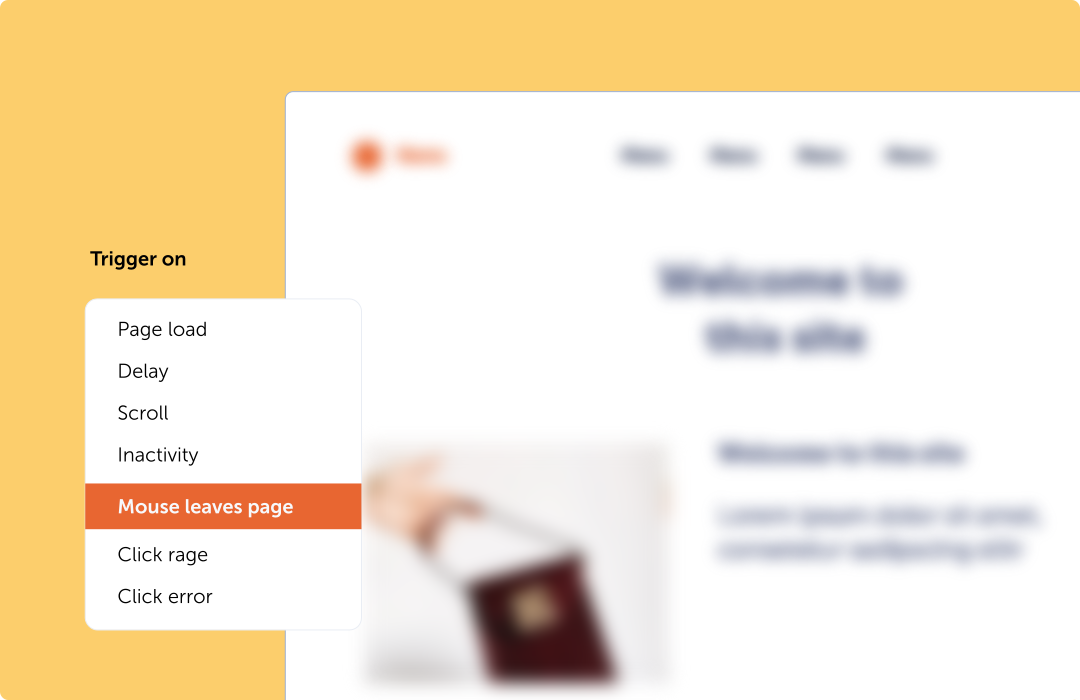
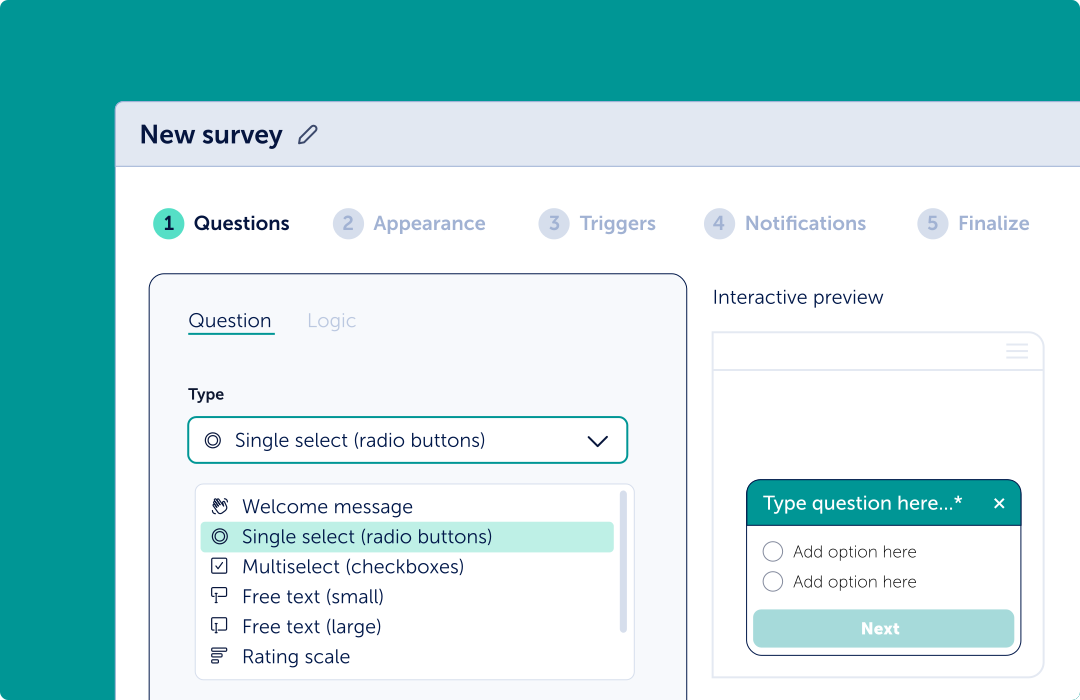
When a user moves their cursor toward the close button or back button on a checkout page, trigger a simple feedback survey. Keep it to a single question: “What stopped you from completing your purchase today?”
Provide multiple-choice answers for common issues like shipping costs, technical errors, or missing payment options. Always include an “Other” field so users can elaborate.
Capturing this user feedback right at the point of abandonment gives you a direct line into the customer’s mindset. It removes the guesswork from your optimization strategy.
Step 2: Watch session recordings to validate the friction
A feedback survey tells you what went wrong. Session recordings show you where shoppers hesitate.
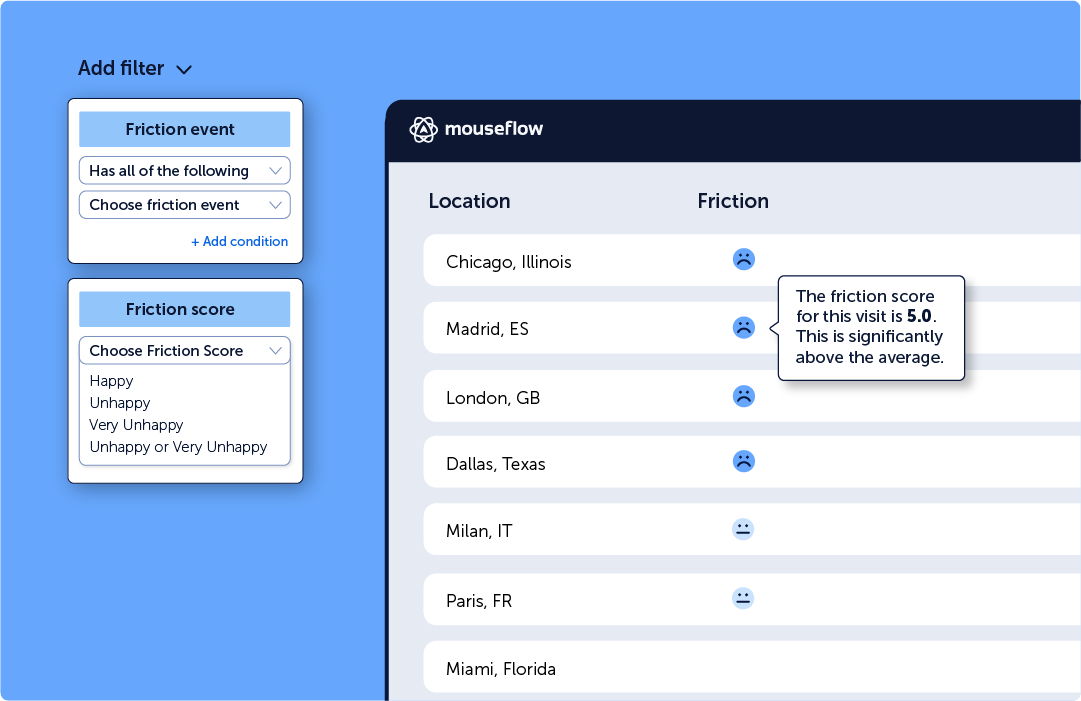
When a user submits a survey saying they “couldn’t find the promo code box,” you need to see exactly what they saw. With Mouseflow, you can link survey responses directly to the user’s session replay.
Watch the recording to observe their mouse movements, clicks, and scrolling behavior. Did they rage click on a broken button? Did they loop between the cart and the shipping policy page?
Connecting qualitative feedback to actual behavioral data turns a subjective complaint into an objective, fixable UI issue.
Step 4: Build a system to turn data into action
Without a system to connect user feedback to specific actions, it stays invisible, and so does the revenue it represents. High-performing ecommerce teams usually build this into a continuous user feedback loop where feedback is collected, analyzed, acted on, and validated through ongoing optimization.
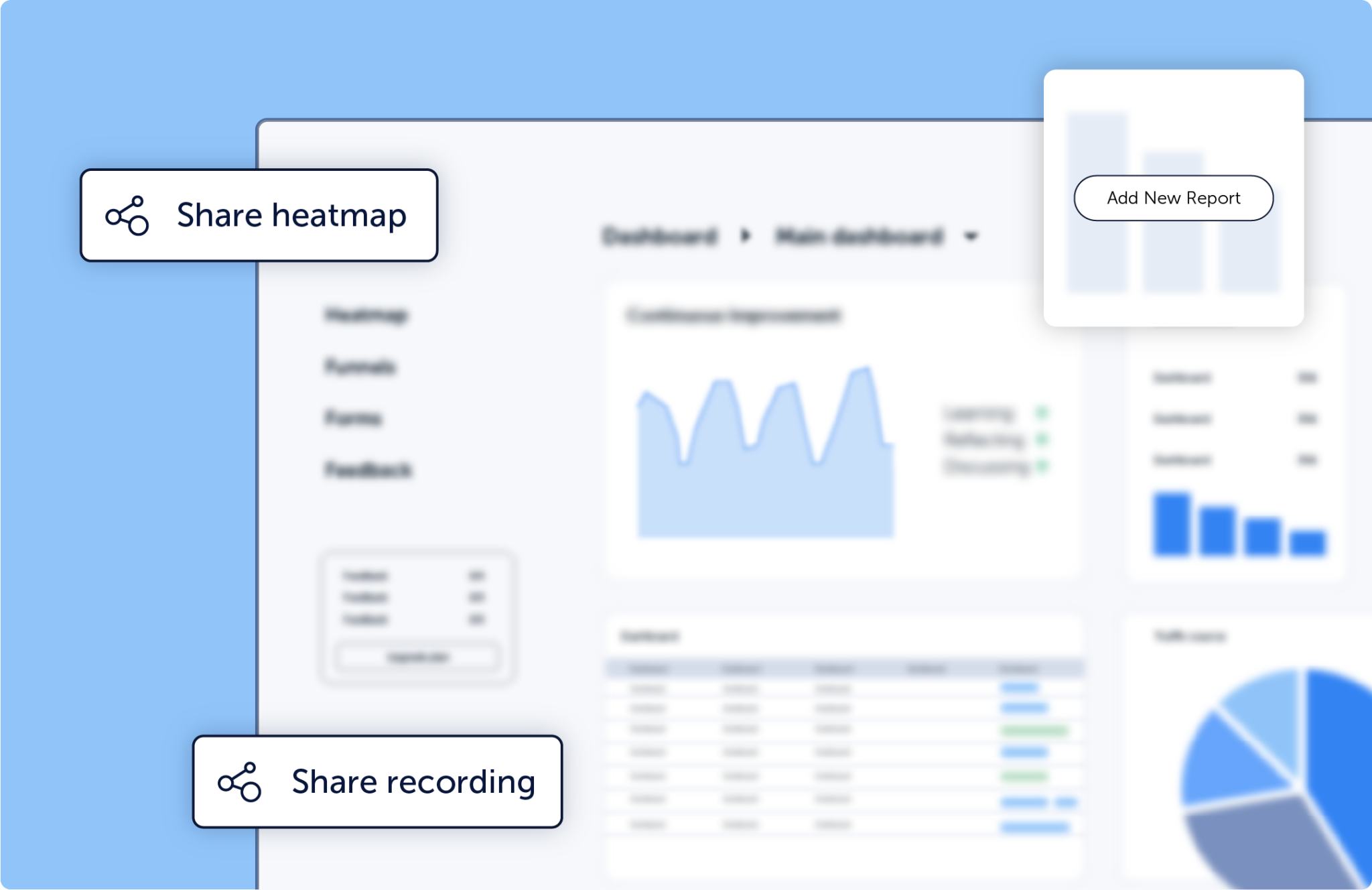
Raw data is useless until your ecommerce or CRO team acts on it. Set up a weekly review process where you analyze the most common survey responses alongside your conversion funnel analytics.
Map these insights directly to your product roadmap. If 20% of users complain about unexpected shipping costs, test a banner on the product page that clearly states your shipping thresholds.
Prioritize fixes based on the revenue impact. Start with checkout improvements, move to product page fixes, and watch your conversion rates climb.
Common mistakes to avoid
- Asking too many questions
Shoppers are impatient. If your feedback survey looks like a tax form, they will close it. Stick to one or two focused questions. - Ignoring the silent majority
Not everyone will leave feedback. Combine surveys with website heatmaps to see the aggregated behavior of the users who didn’t fill out your poll. - Failing to follow up
If a user leaves their email after reporting a bug, reach out once it’s fixed. It turns a frustrated shopper into a loyal brand advocate.
Read more about how ecommerce analytics tools can reduce drop-offs.
FAQ

To turn user feedback into revenue, trigger exit surveys on high-intent pages like checkout to find out why users abandon carts. Then, map those answers to session recordings to identify the exact UX friction, and fix the page design to recover those lost sales.
The most effective methods are exit-intent surveys, post-purchase polls, and on-page feedback widgets. These capture the customer’s sentiment while the experience is still fresh in their mind.
Feedback surveys highlight specific barriers to purchase, such as confusing navigation or hidden costs. By identifying and removing these documented usability issues, you directly improve the checkout flow and increase your overall conversion rate.